
Step 1
Option 1: Laptop
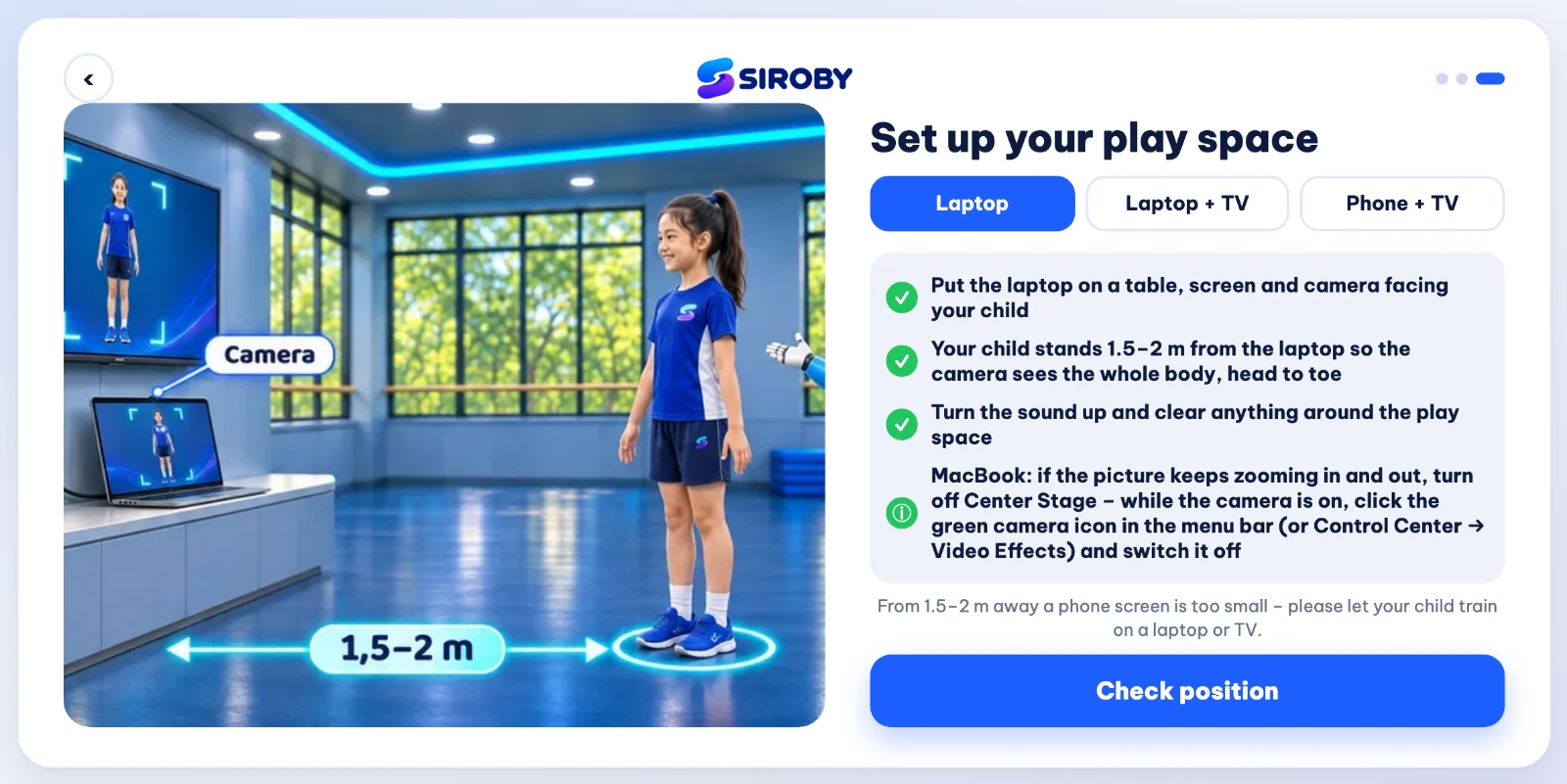
Put the laptop on a table, screen and camera facing your child. Your child stands 1.5–2 m away so the camera sees the whole body, head to toe.
Step 2
Option 2: Laptop + TV (recommended)
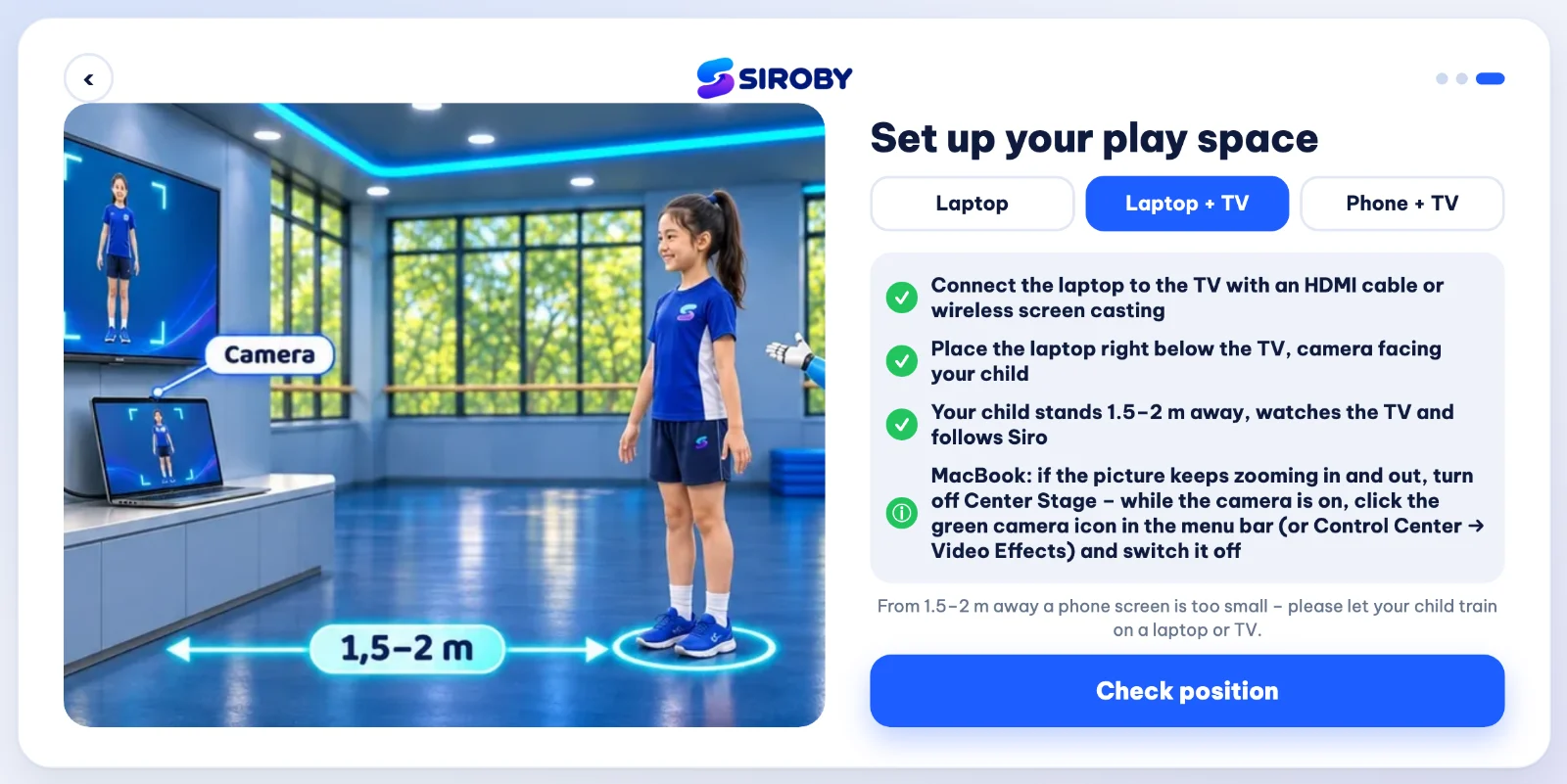
Connect the laptop to the TV with an HDMI cable or wireless casting, and place it right below the TV, camera facing your child, who watches the TV and follows Coach Siro. On a MacBook, if the picture keeps zooming in and out, turn off Center Stage.
Step 3
Option 3: Phone + TV
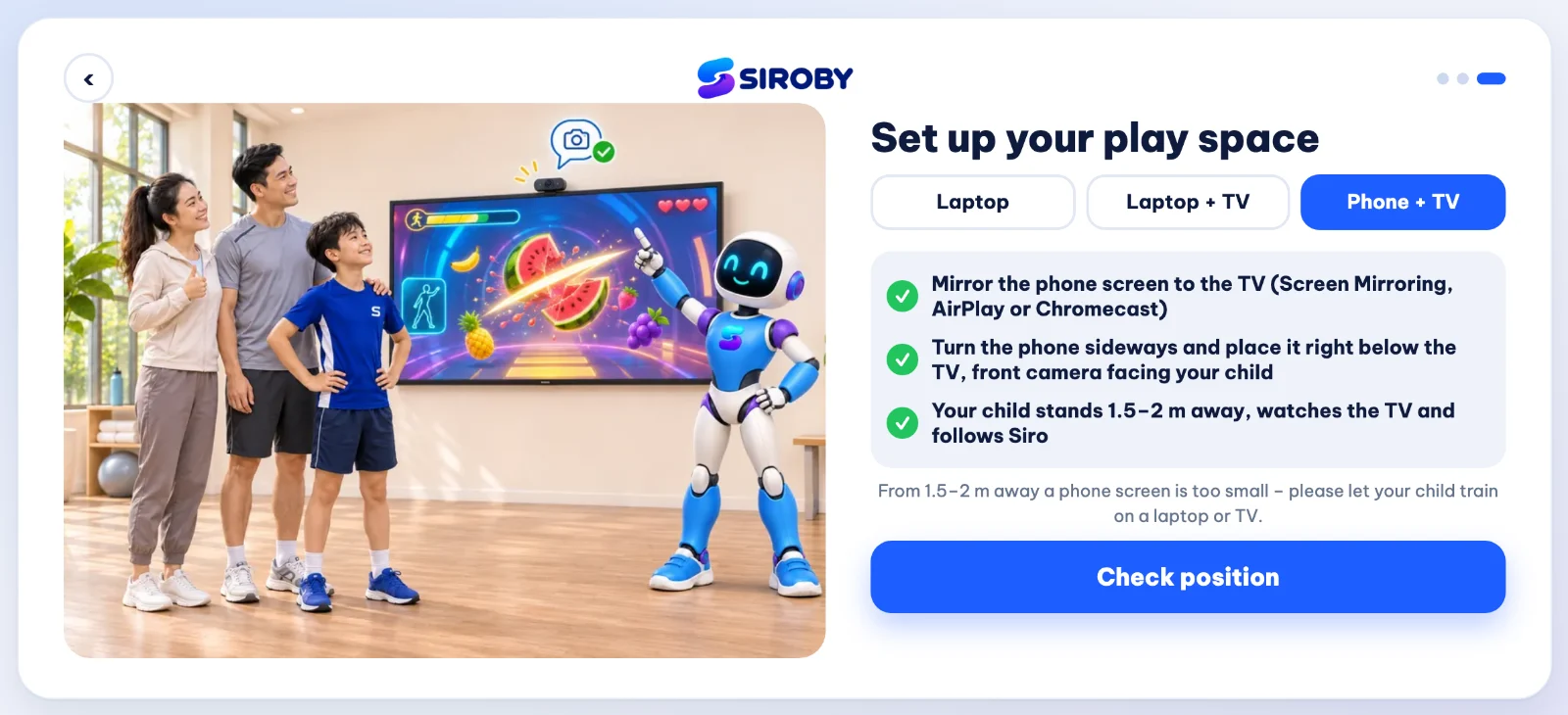
Mirror the phone screen to the TV (Screen Mirroring, AirPlay or Chromecast), turn the phone sideways and place it right below the TV, front camera facing your child. Don’t train on the phone screen itself: from 1.5–2 m away it is too small.
Step 4
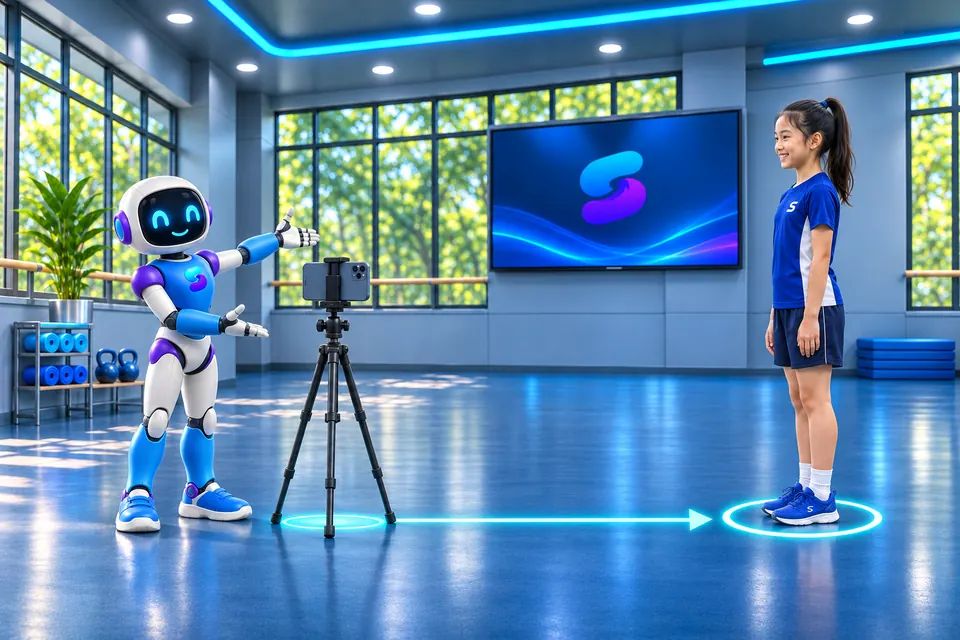
Device at chest height, head to toe in view
If the camera can’t see the feet, lower the device to chest height or take a step back. For activities that need a side view, the app will ask you to place the device low, at hip height, 2–3 m away.
Step 5
Clear the space and turn the sound on
Move obstacles and cables away from the play space, leaving room to reach out and step sideways. Turn the sound up so your child can hear Coach Siro.
Related questions
References
Reviewed on 3 October 2026. These sources do not endorse or certify Siroby.