
Step 1
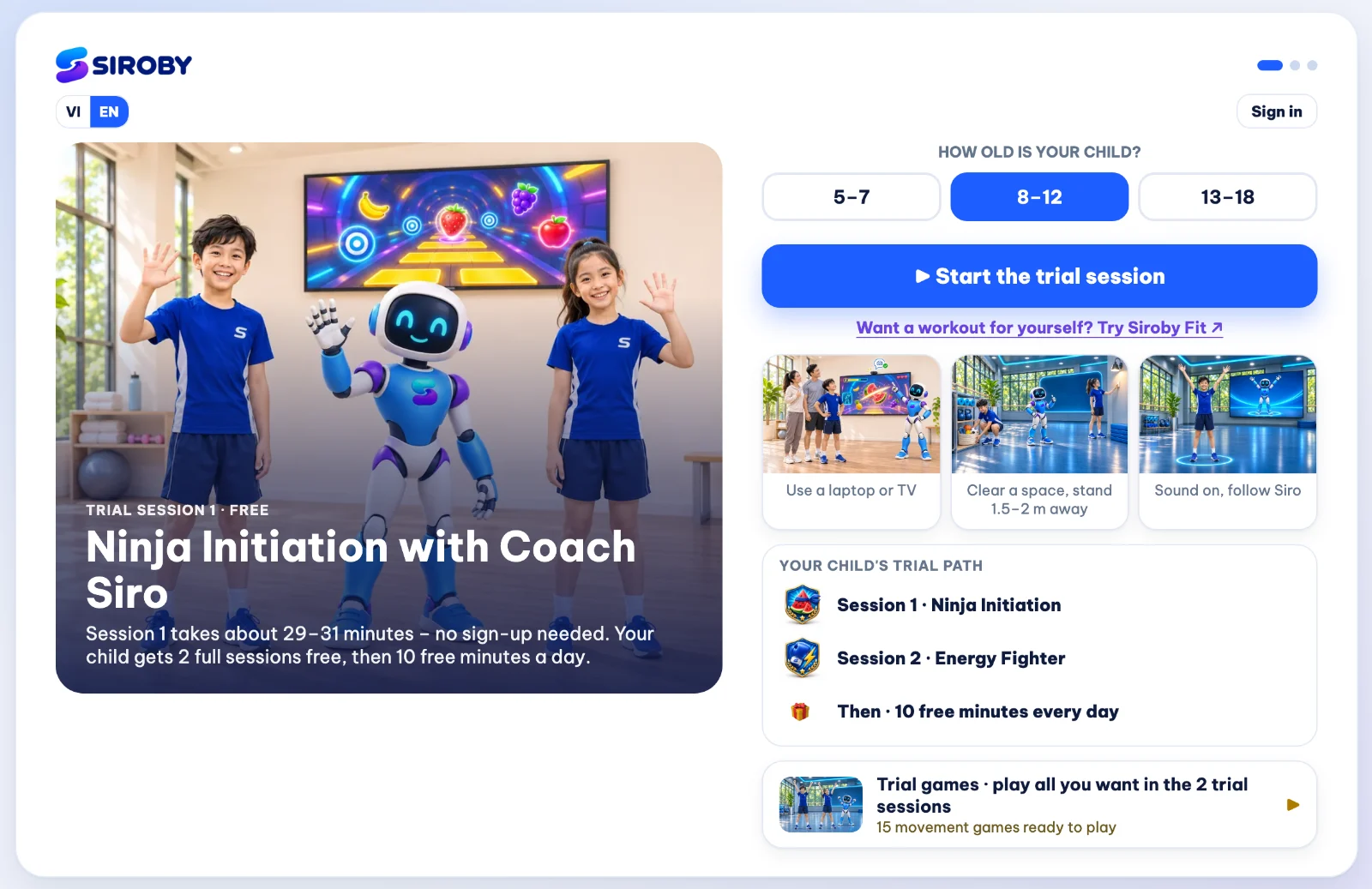
Open the app on a laptop or computer
Tap Try for free on this website, or go to kid.siroby.com. On a phone, the app offers to send the link to a computer or TV, because a phone screen is too small from 1.5–2 m away.
Step 2
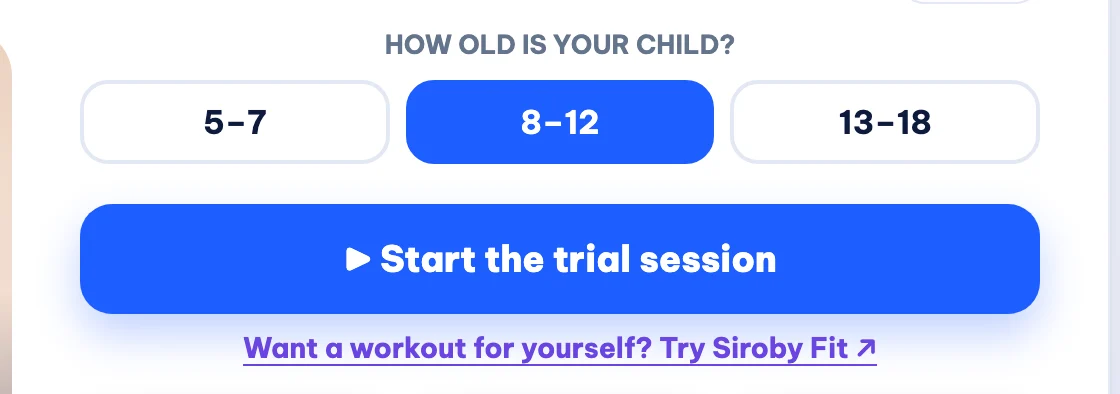
Pick an age group and tap Start the trial session
Choose 5–7, 8–12 or 13–18. It is the only thing the app asks before the trial.
Step 3
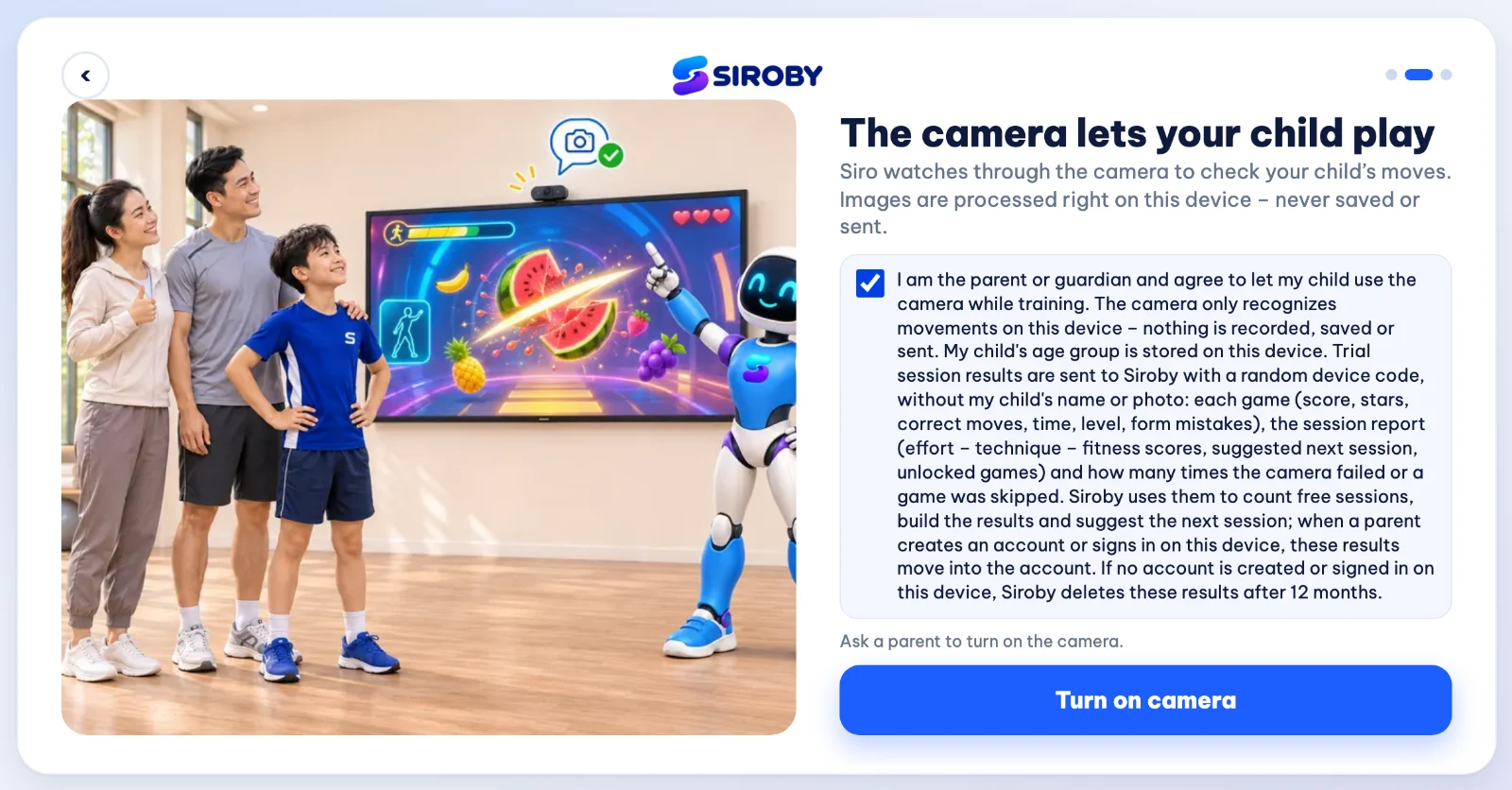
Agree to the camera
A parent reads and ticks the agreement box, then taps Turn on camera. Images are processed on the device, never saved or sent.
Step 4
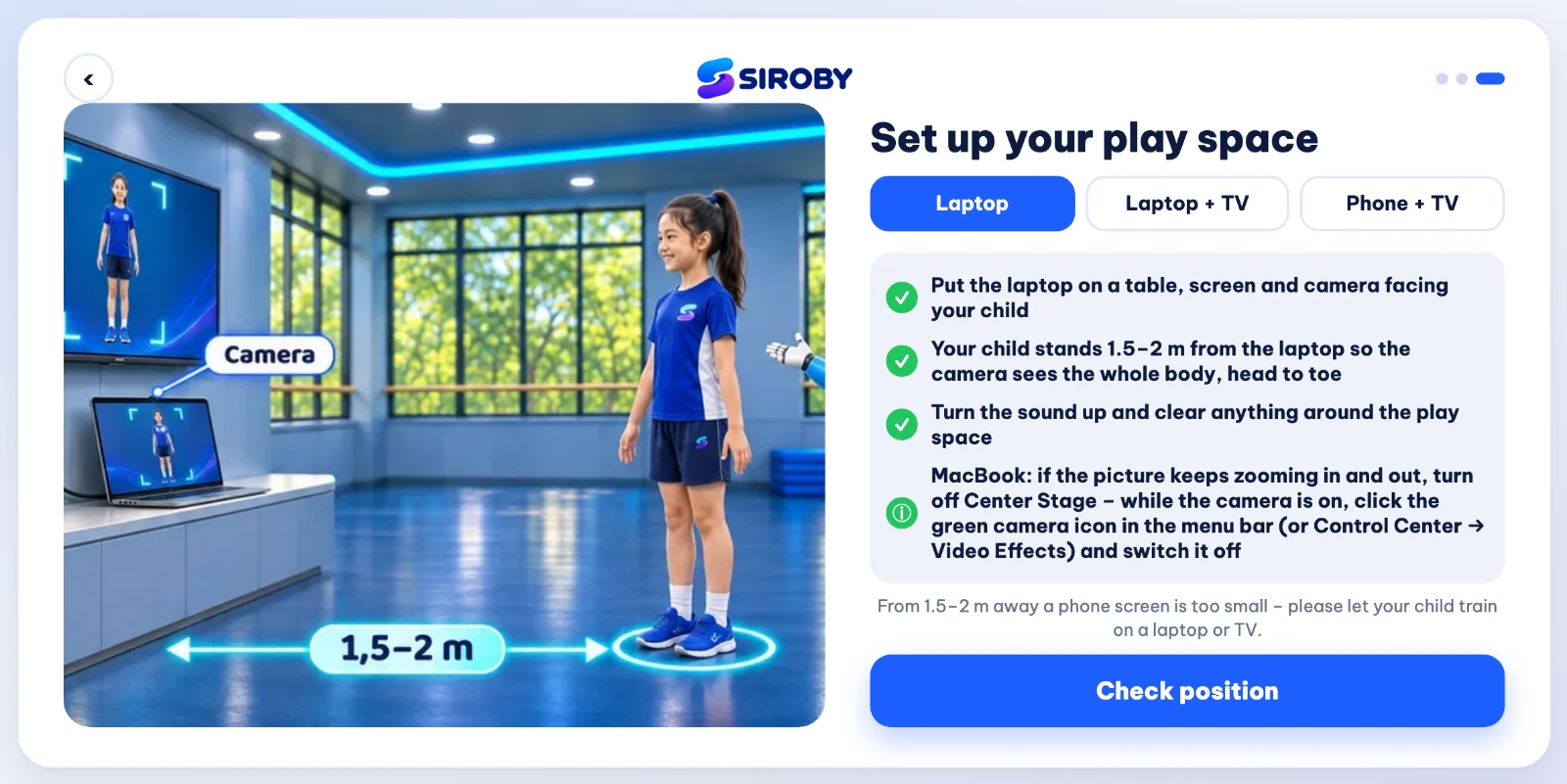
Choose how to set up
Choose Laptop, Laptop + TV or Phone + TV, follow the three tips on screen, then tap Check position.
Step 5
Allow the camera and step into the frame
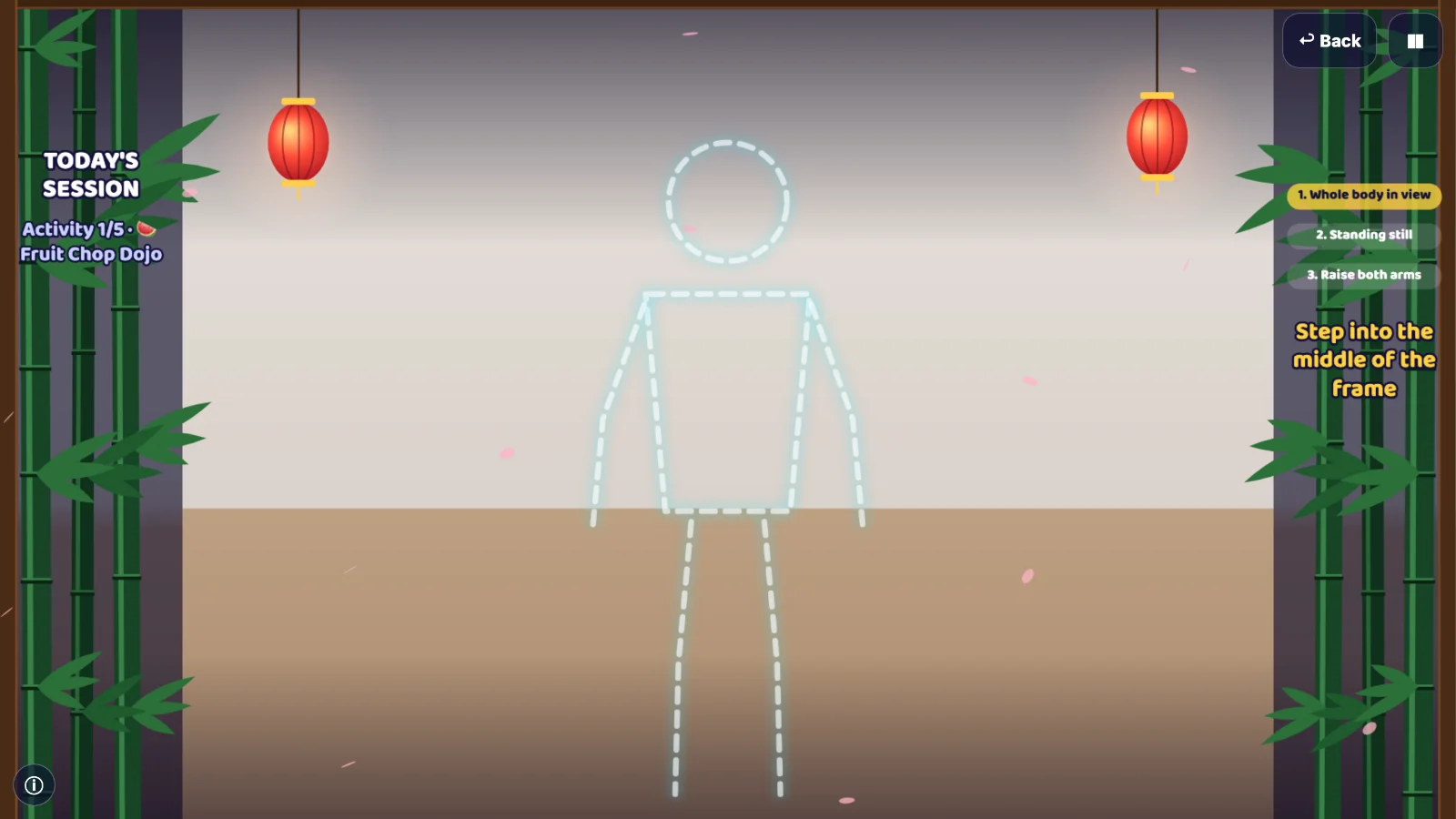
The browser asks to use the camera: tap Allow. A dashed outline shows where to stand: your child steps into it, 1.5–2 m from the device, so the camera sees them head to toe.
Step 6
Stand still, then raise both arms
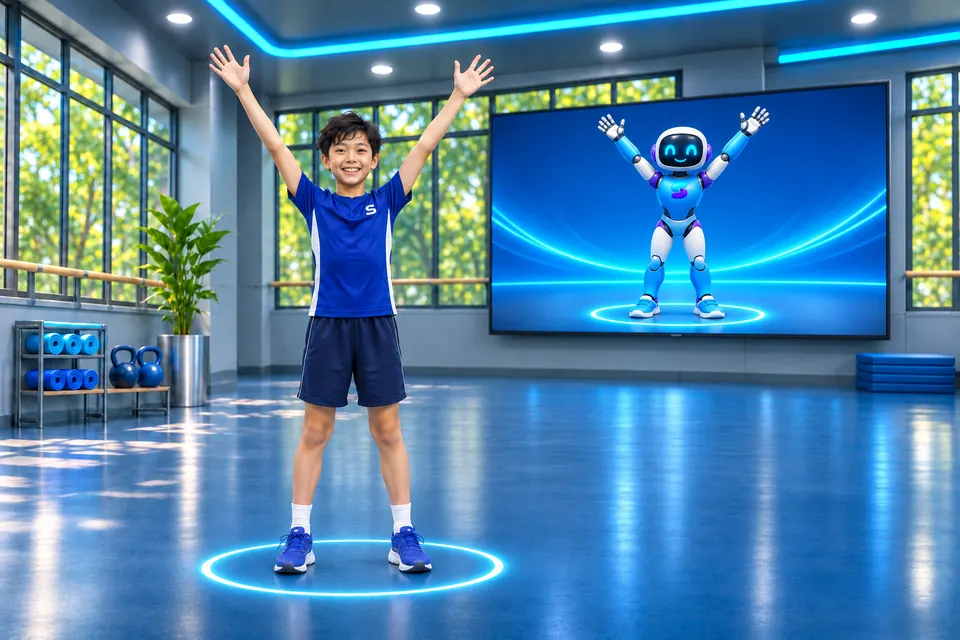
When Whole body in view and Standing still turn green, your child raises both arms straight overhead for about half a second to start. A parent can also press Enter.
Step 7
Play 5 games and see the results
Each game takes about 5 minutes; after one, your child raises both arms straight up for the next. Tap ❚❚ to pause. At the end, the app shows your child’s score and report; tap Save progress and unlock session 2 to create an account for session 2.