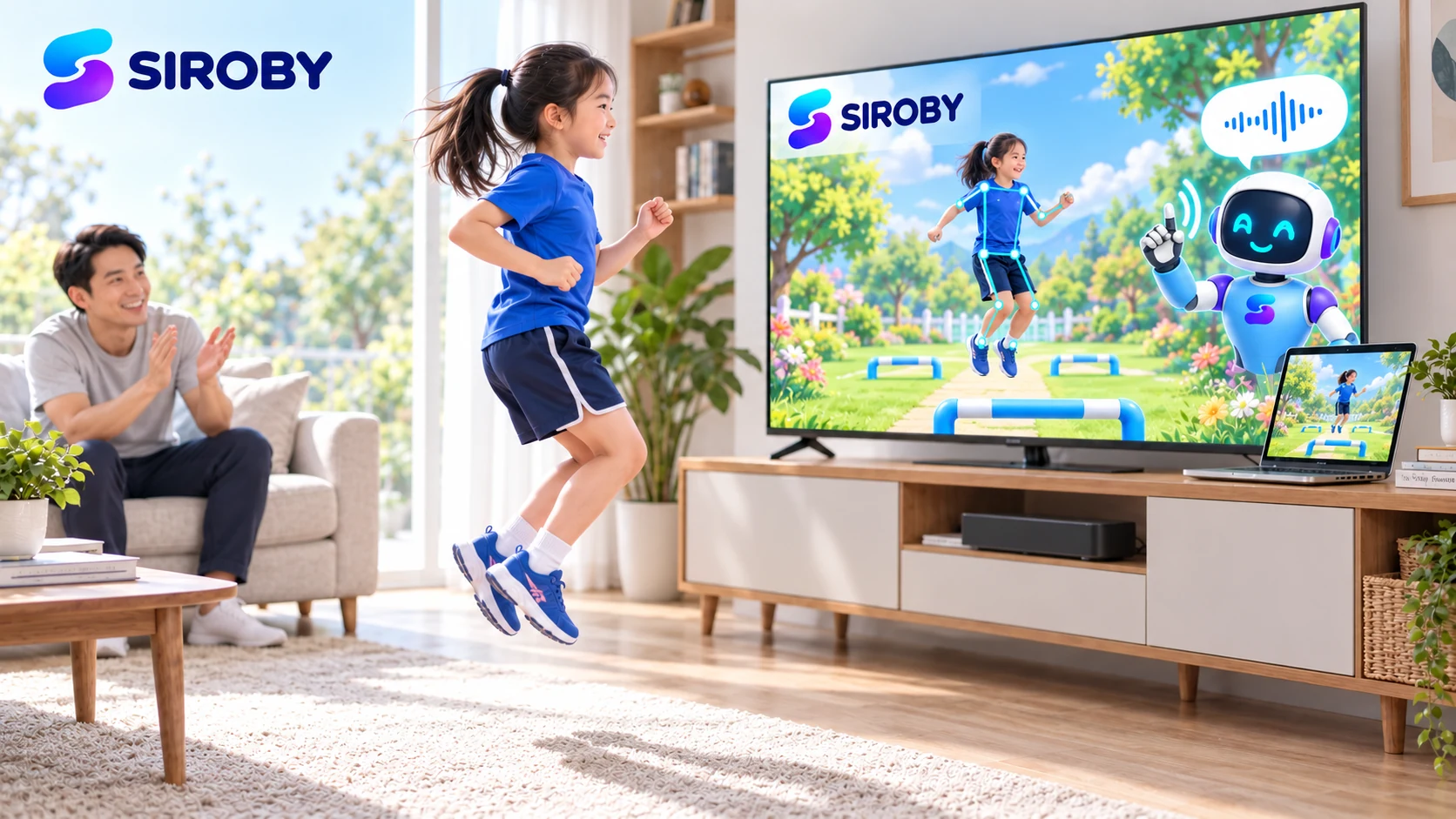
AGES 5–18 · OPEN NOW
Siroby Kids
Movement games with an AI coach, plans for each age and a report for parents after every session.

SIROBY INTELLIGENCE
Online sports training, personalized for your child. From today’s movements to a path that grows with them.
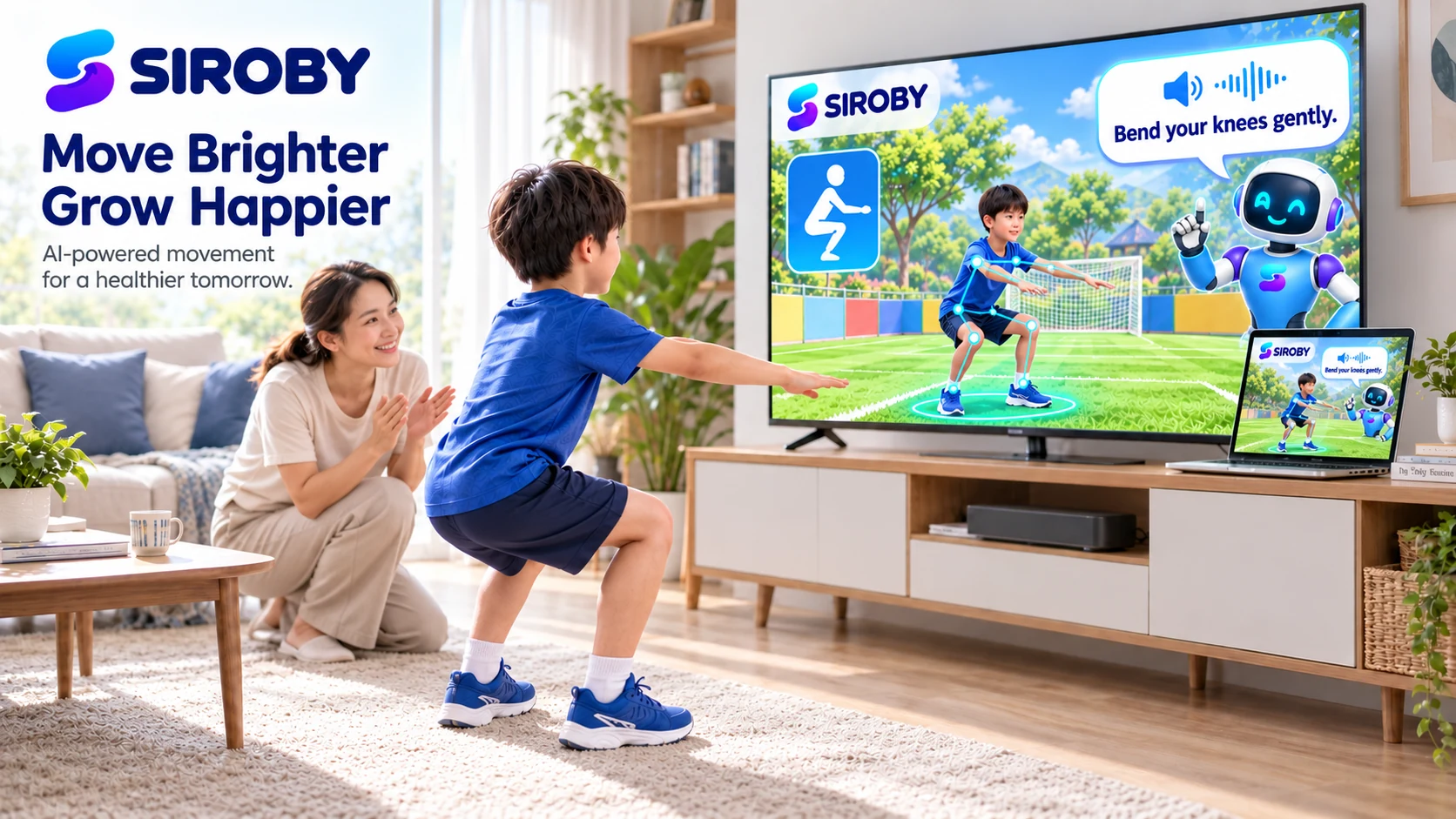
01 — MOTION INTELLIGENCE
Siroby recognizes movement, guides every exercise and uses AI to personalize your child’s training path.
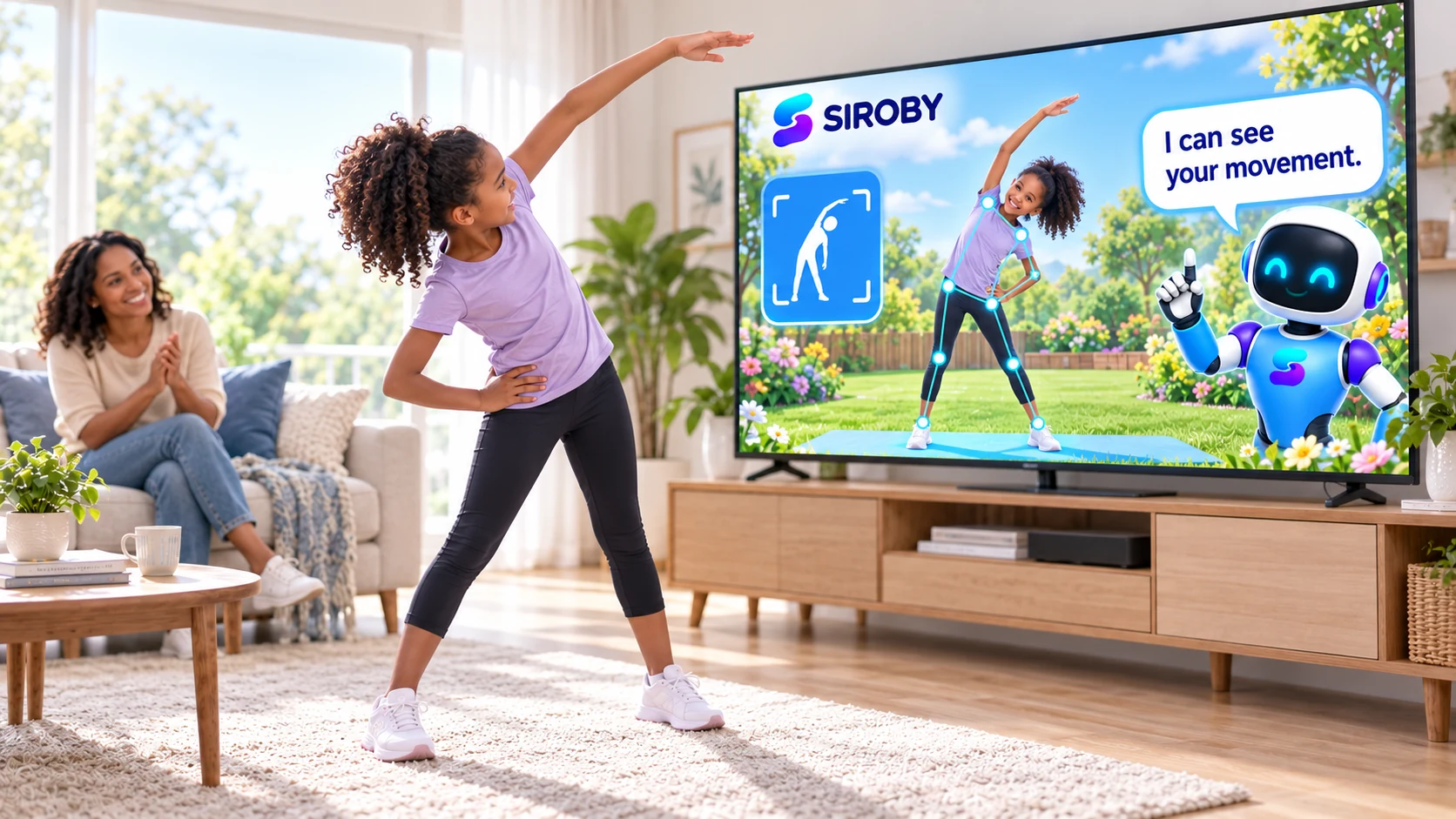 01 · Technology
The camera follows body landmarks and connects your child’s image with the exercise world.
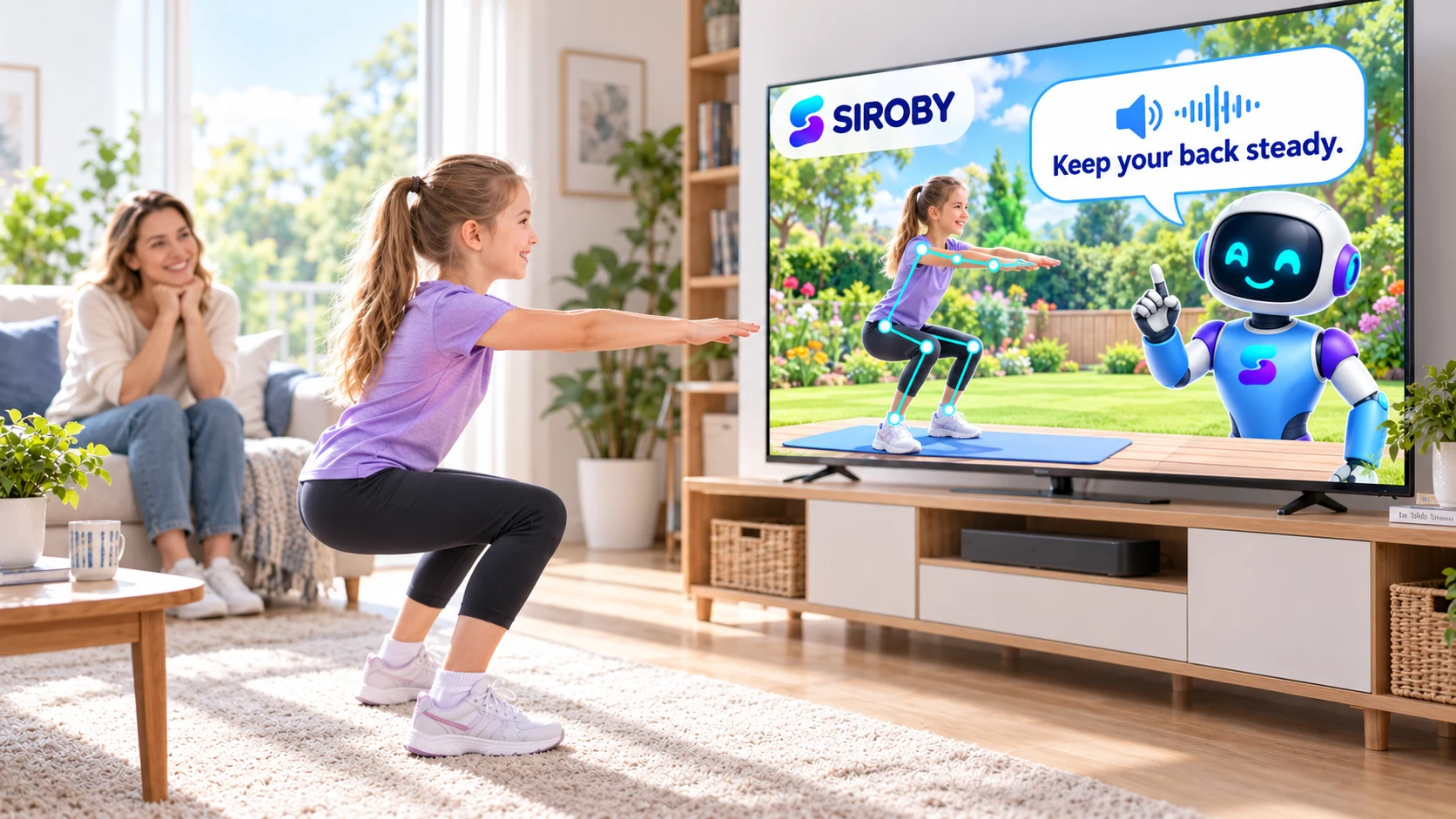 02 · Technology
Your child watches, follows along and receives movement cues during the exercise.
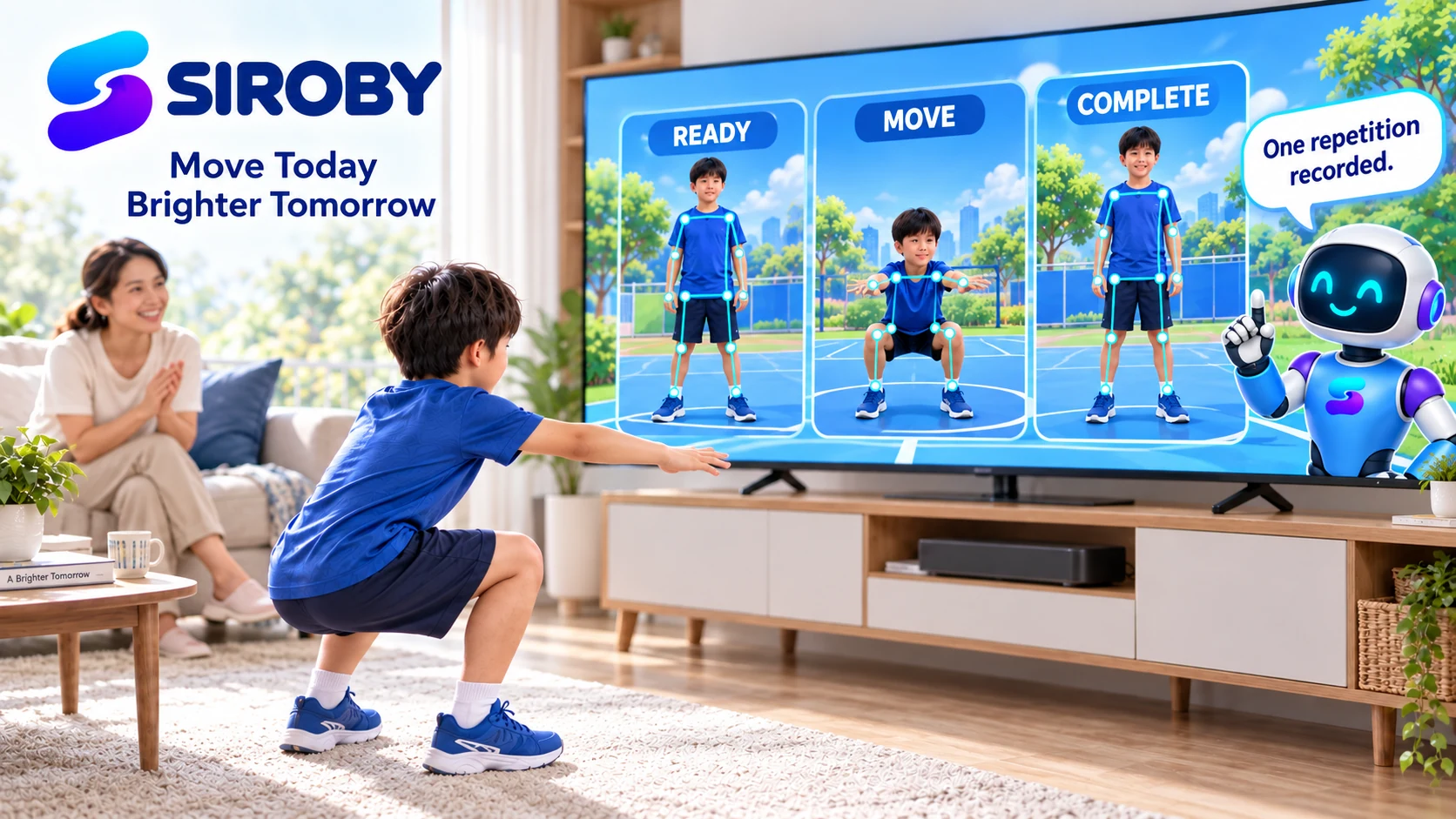 03 · Technology
AI analyzes each repetition, recording completion and what to practise next.
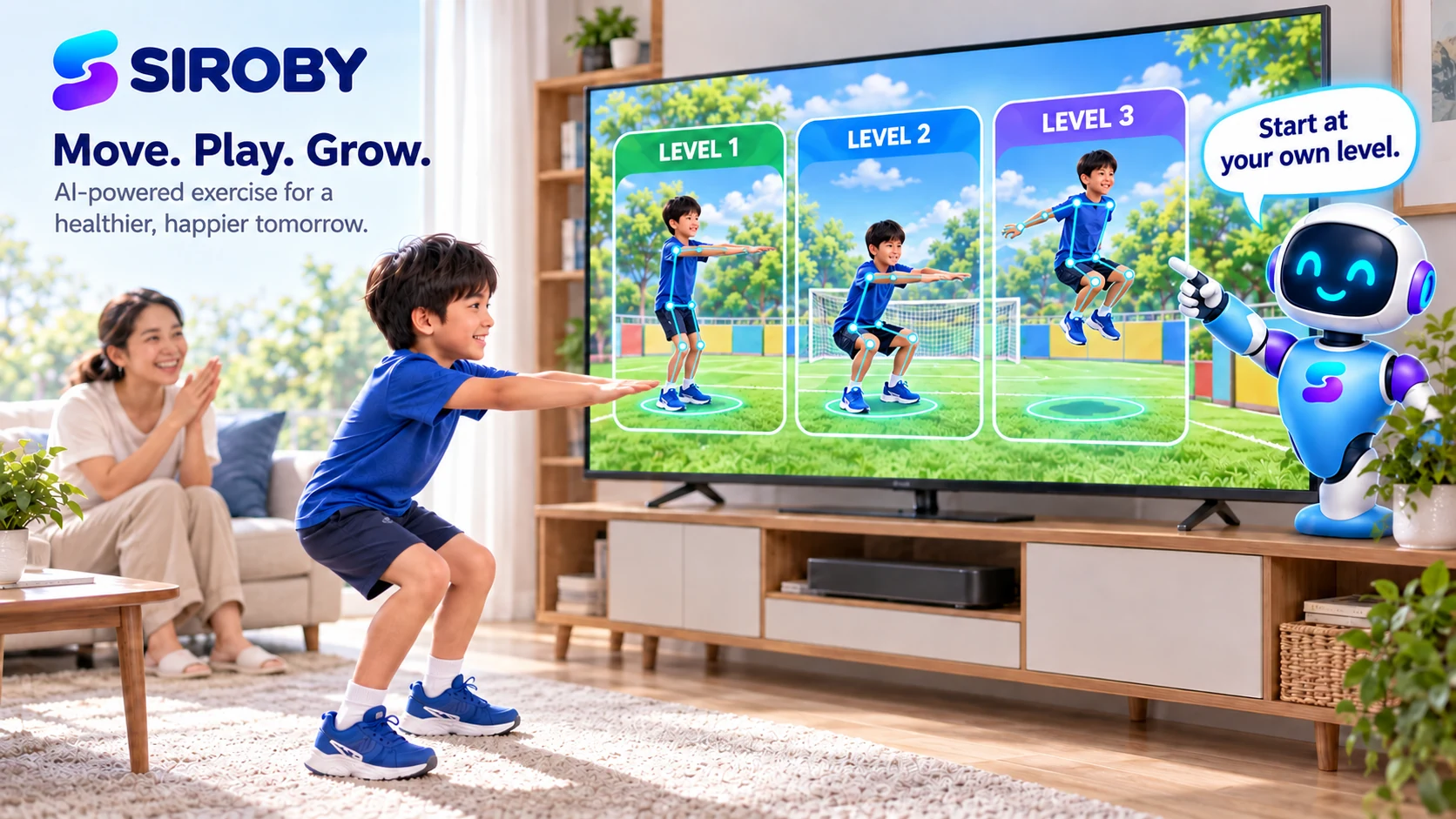 04 · Personalized
Three stages — Start, Grow, Challenge — matched to your child’s ability.
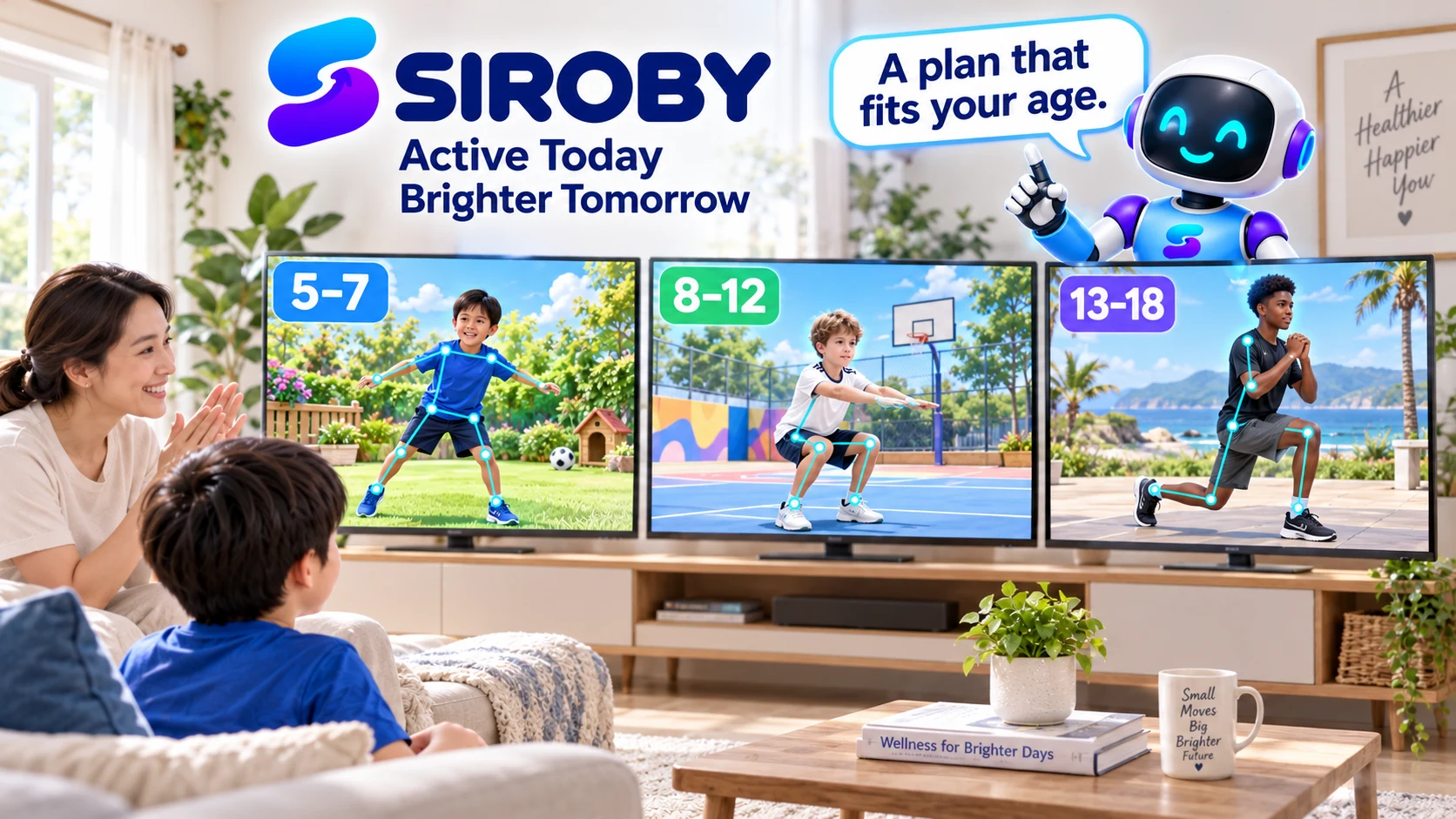 05 · Personalized
The approach to each exercise changes with your child’s age.
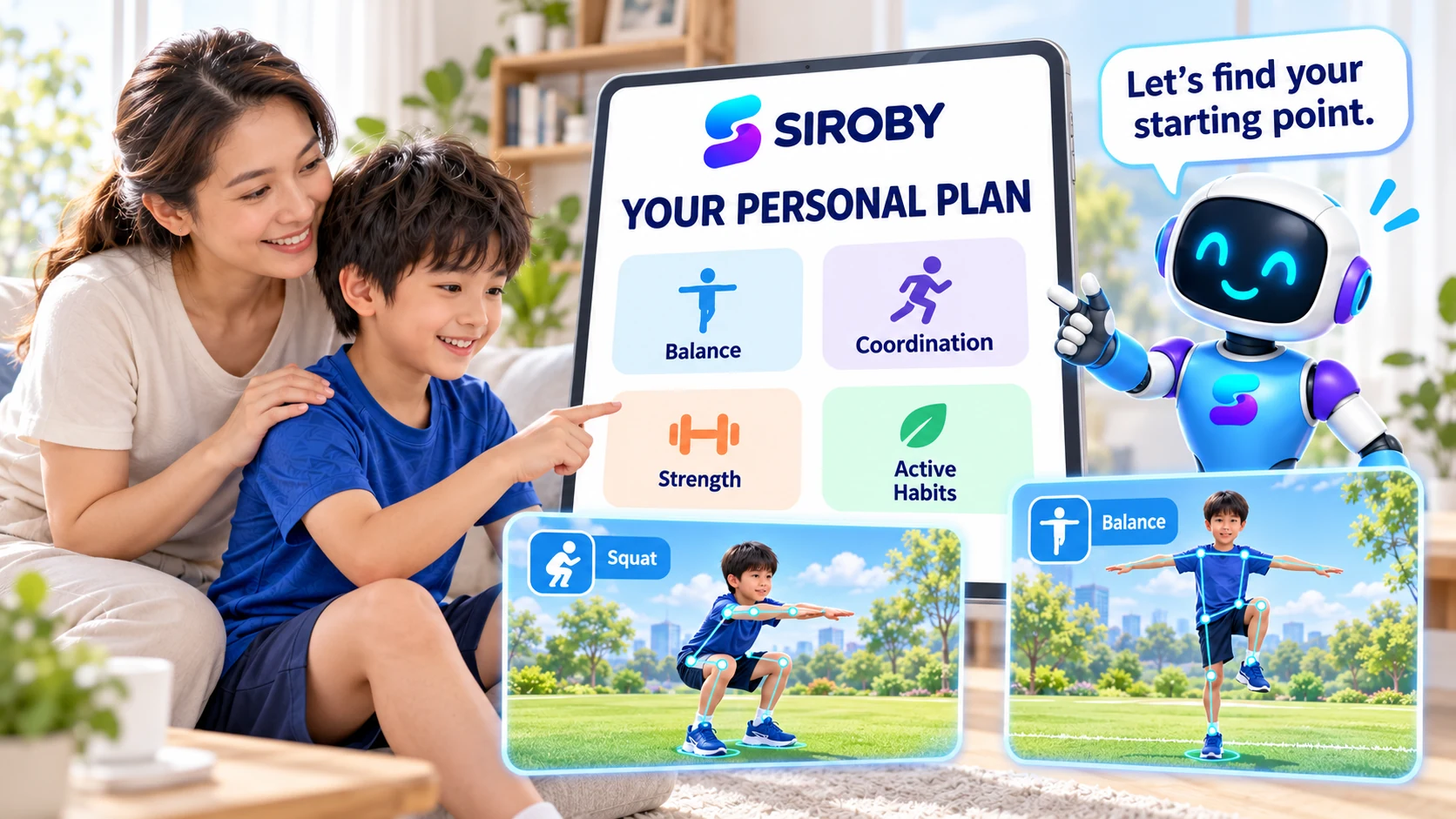 06 · Personalized
Age, ability and goals shape your child’s path.
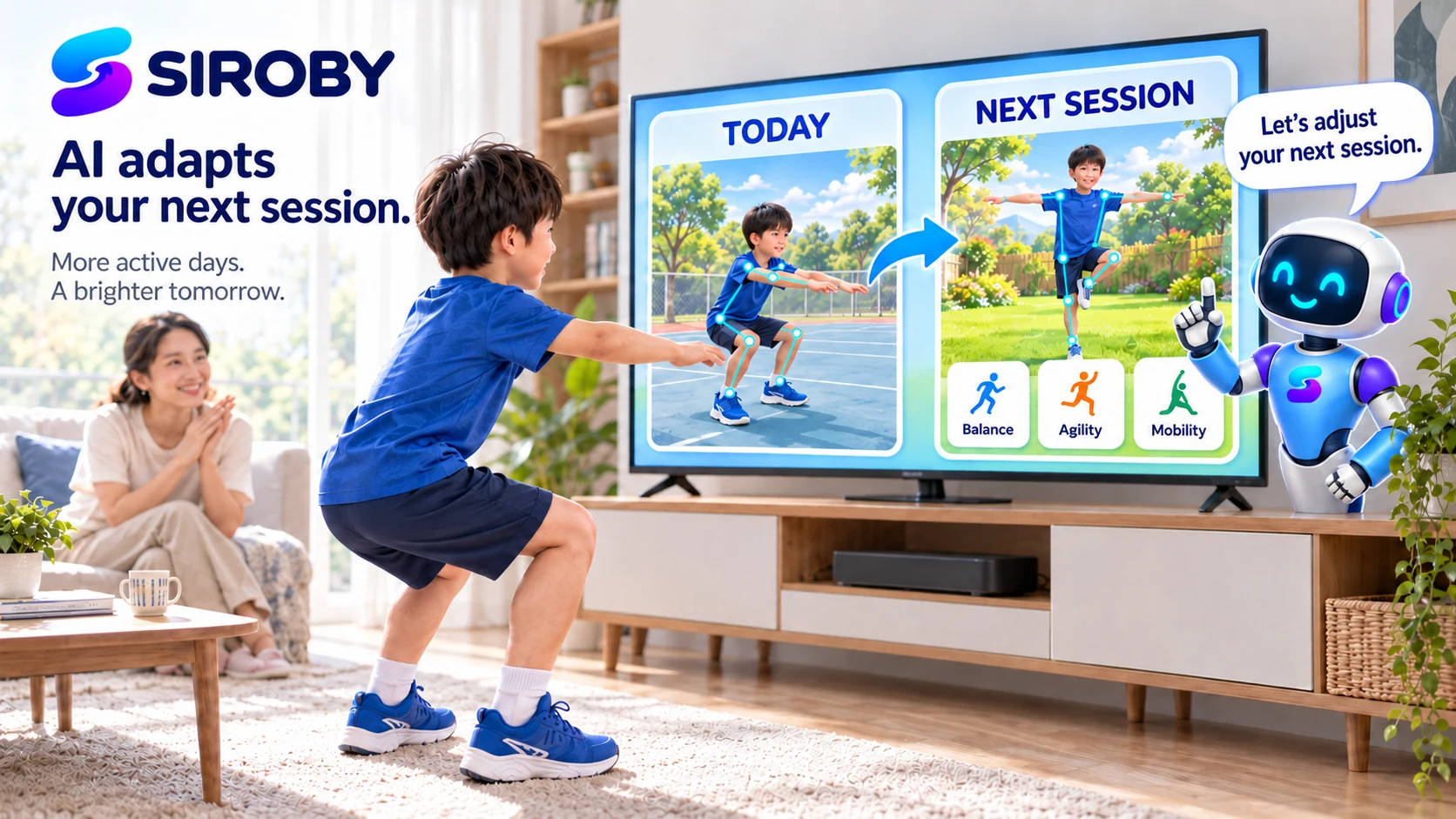 07 · AI plans
Content and difficulty adjust to the latest results.
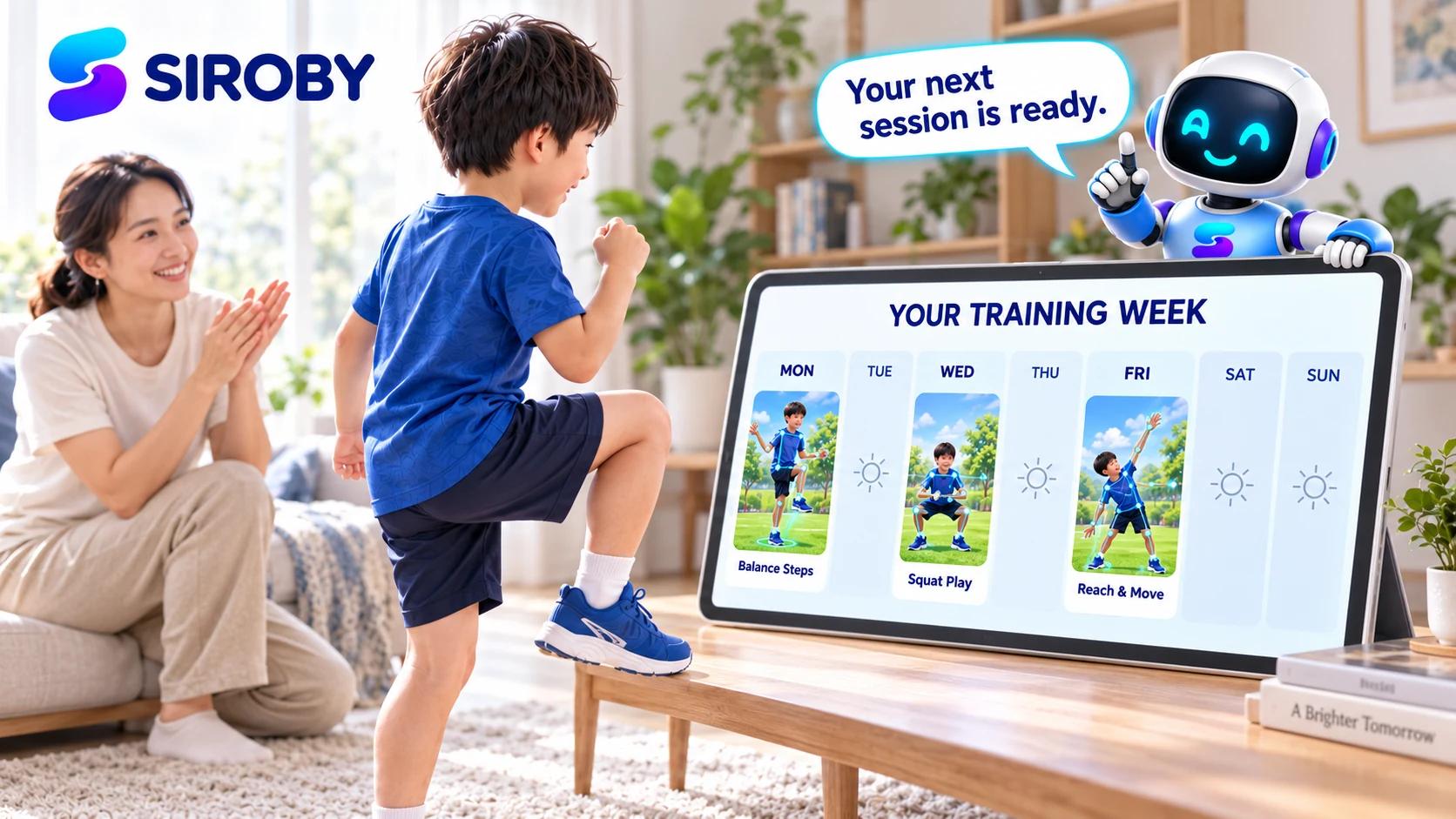 08 · AI plans
Sessions connect into a structured weekly program.
AI-generated illustrations · This page does not access your camera
ONE SIROBY. TWO JOURNEYS.
One account for the family, with a path for everyone.
Movement games with an AI coach, plans for each age and a report for parents after every session.
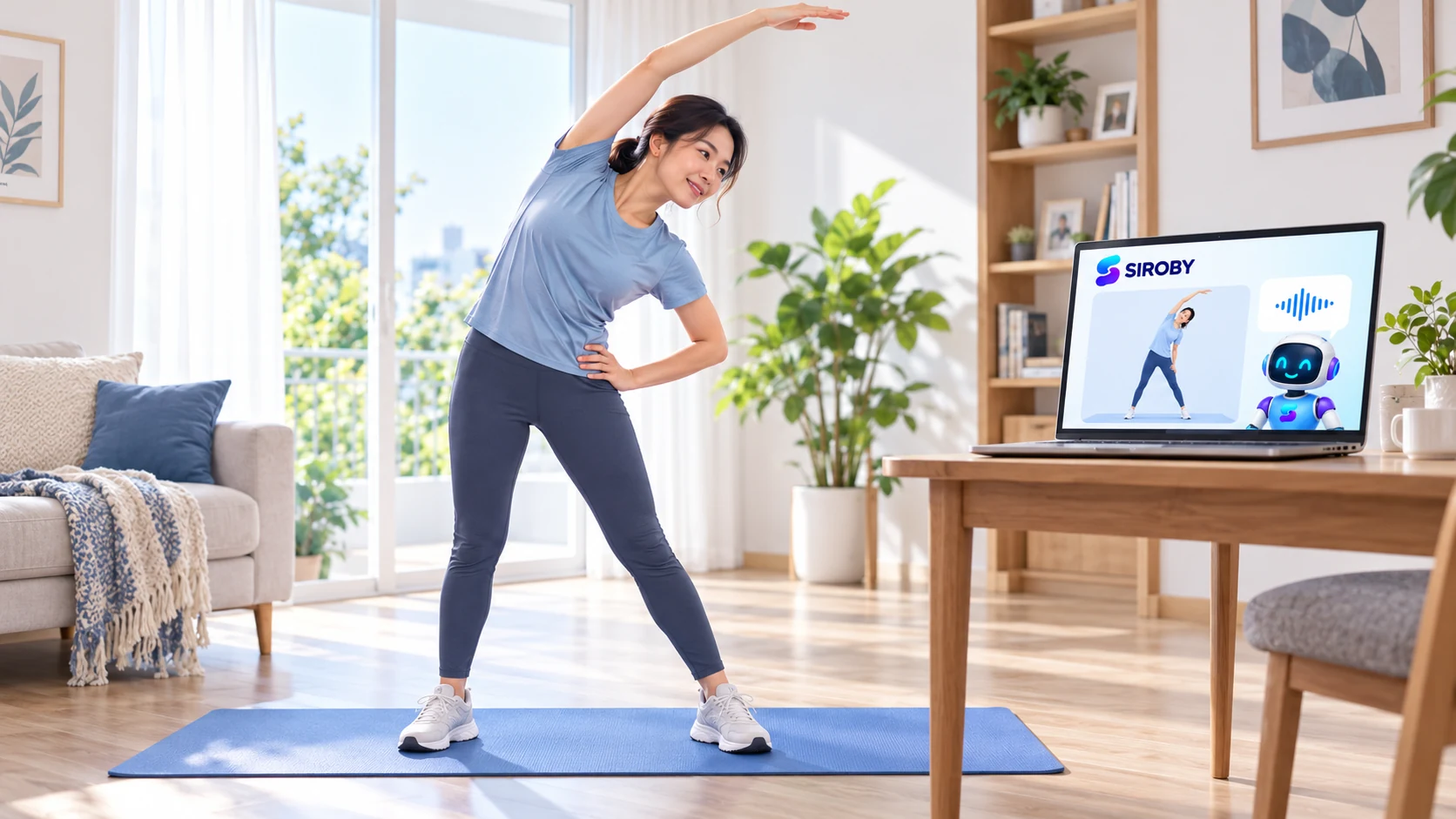
Movement at home for adults, sharing the family plan: each place can be a child in Kids or an adult in Fit.
Already have an account? Sign in to open your family area. AI-generated illustrations.
FREE TOOLS · WHO REFERENCE
Enter age, height and weight to see how your child compares with children of the same age in the WHO reference. Instant results, no sign-up.
01ONE LIBRARY. MANY WORLDS.
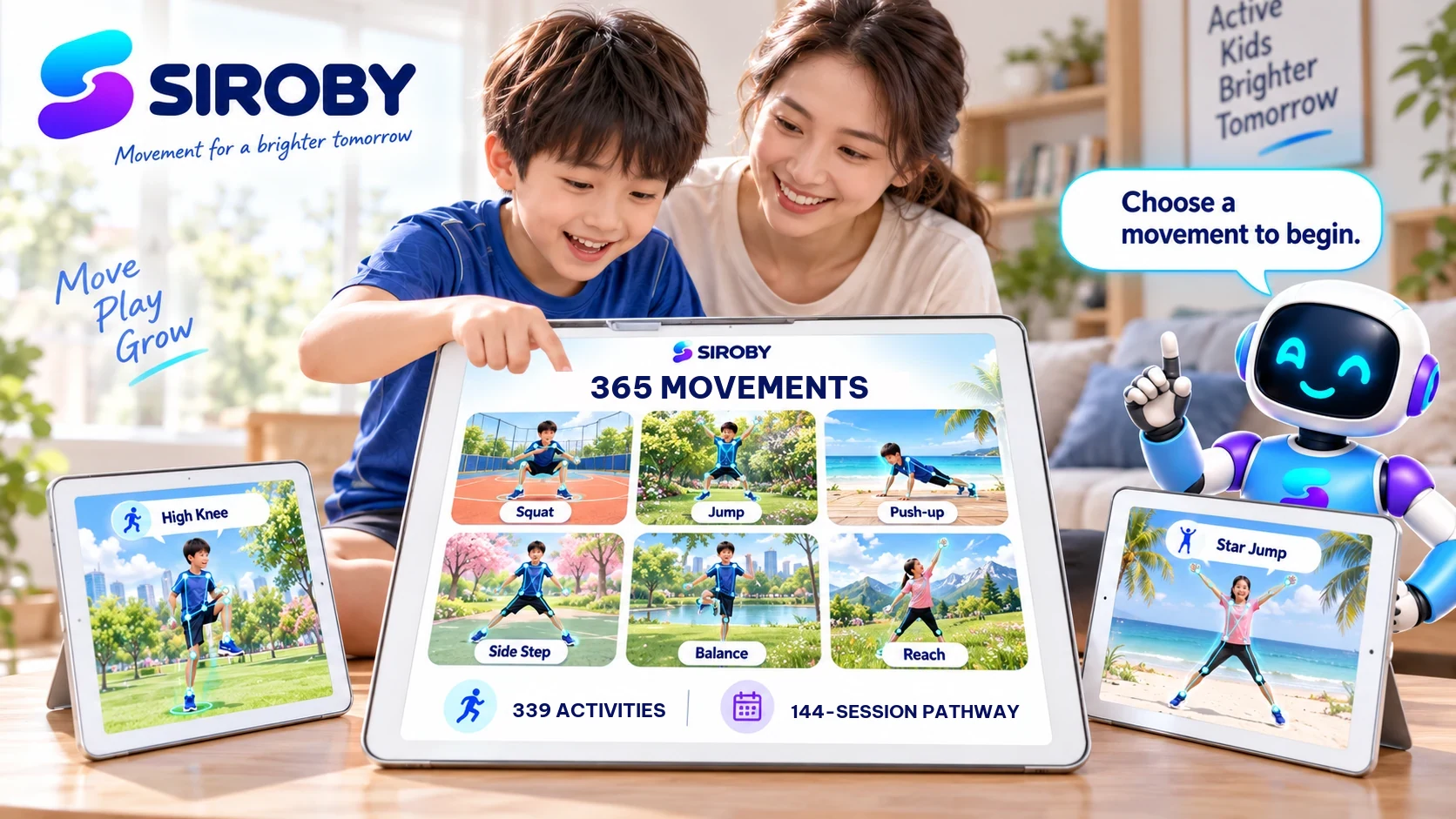
A discovery every session: warm up, coordinate, balance, jump and cool down. Many ways to move, always on a path that fits your child.
02VISIBLE PROGRESS
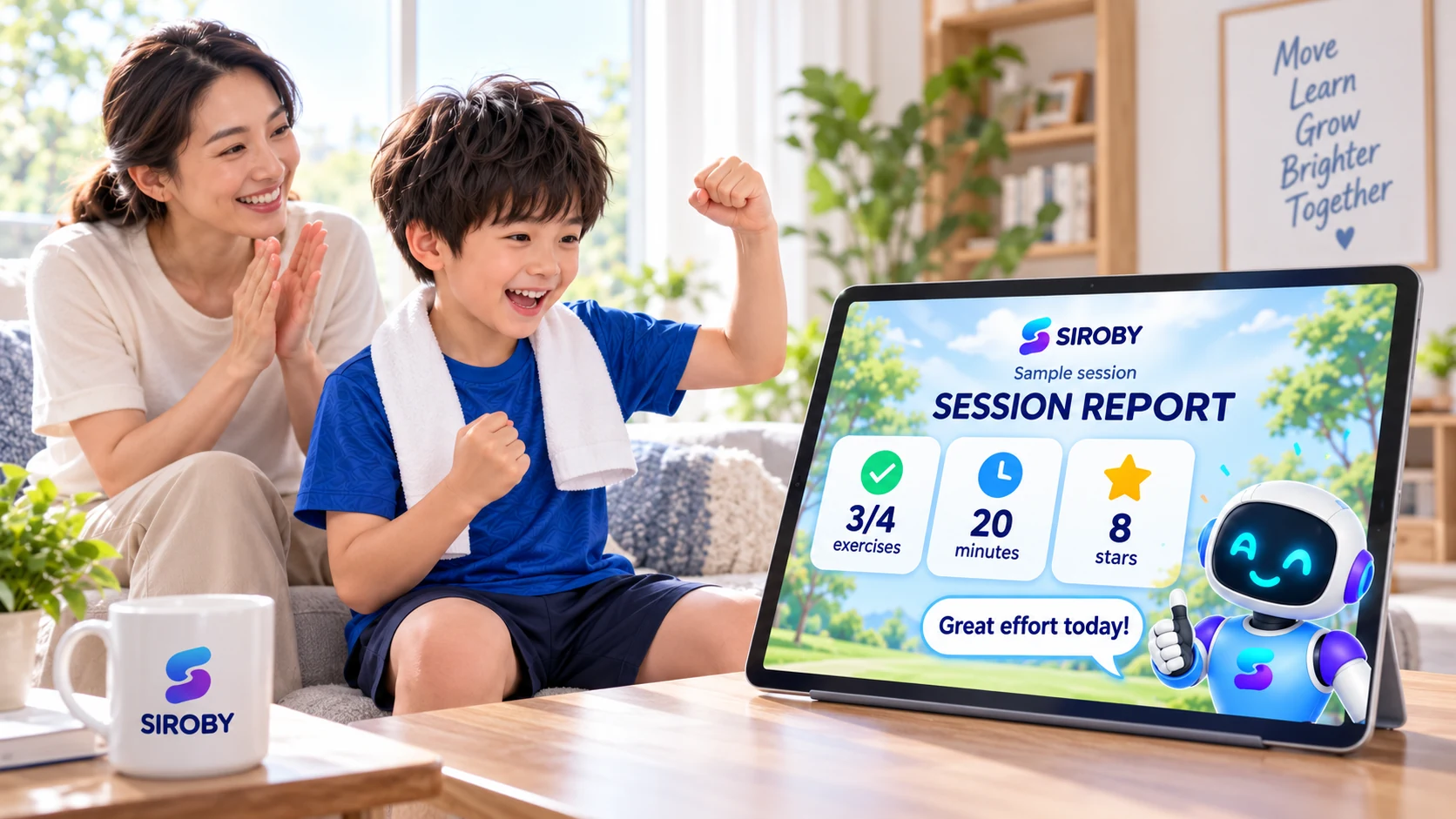
What did your child practise? What did they complete? What needs more attention? Each session report makes their journey easier to follow.
Session resultsExercises, duration and completion.
Weekly progressConnect sessions to understand how your child is progressing.
Numbers in the illustration are example data.
03MOVEMENT AND NUTRITION
The journey continues beyond the screen. Nutrition ideas informed by age and goals help families connect training with everyday meals.

04FOR PARENTS
Sessions, weekly plans and nutrition come together in one place, helping you understand and support your child’s daily routine.
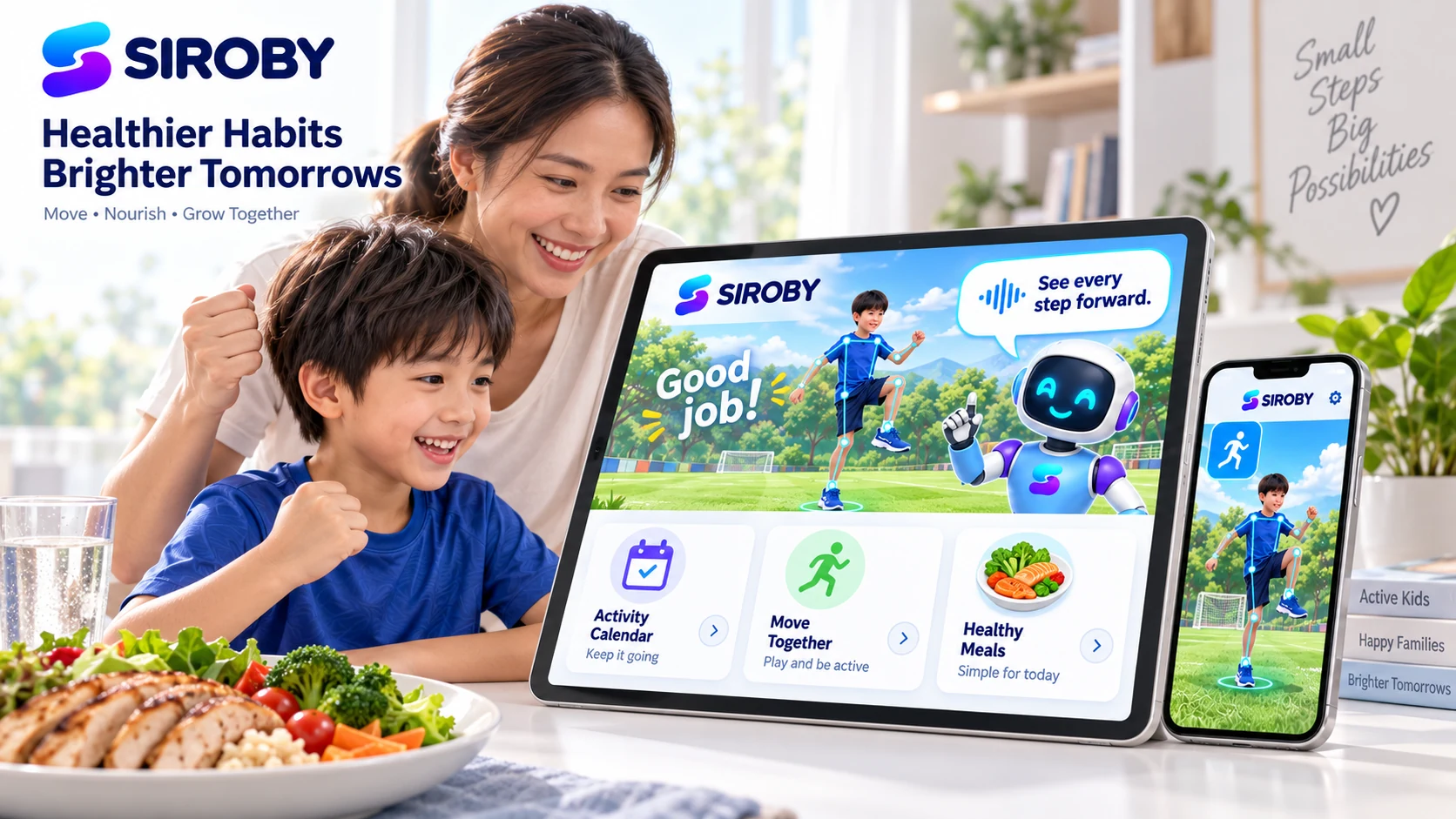 See every step forward
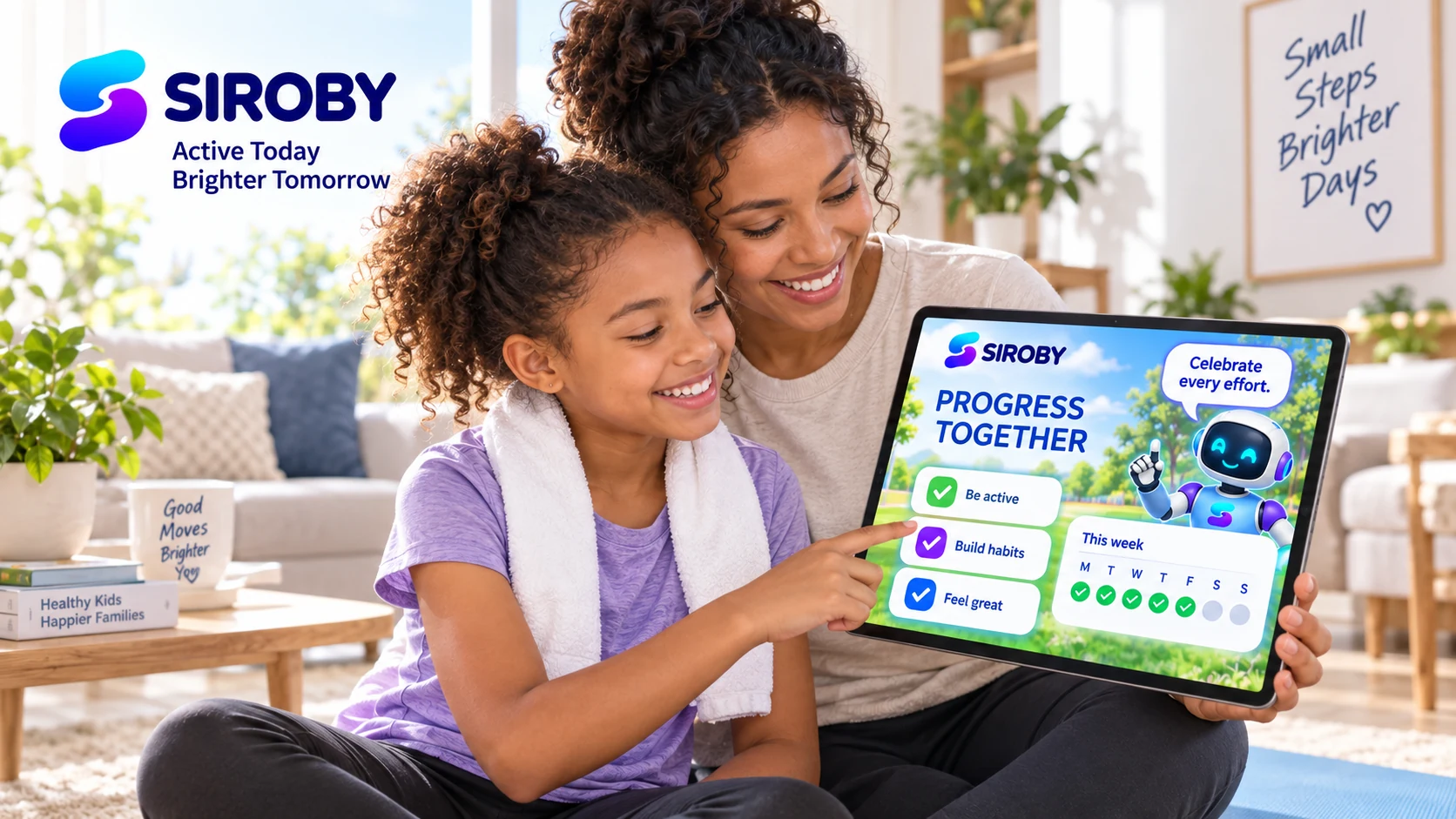
TOGETHER, EVERY DAY.
Look back on what your child has achieved, listen to how they feel and plan the next week together.
Explore the parent guide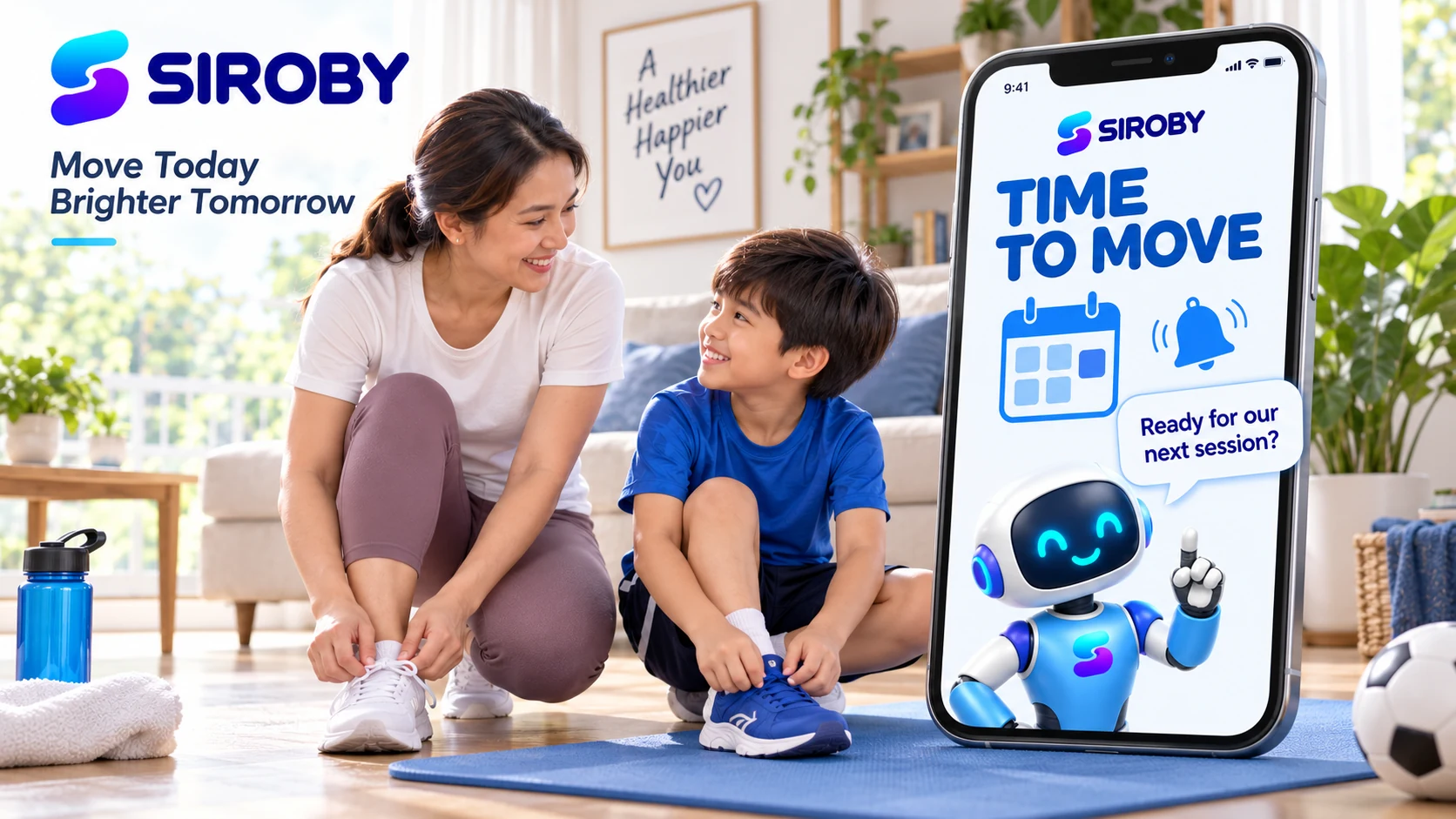
05BUILD A ROUTINE
Know what comes next and when to get ready. Reminders help the family make room for movement until it becomes part of everyday life.
Try the family planner06BEGIN THE JOURNEY
Prefer a computer connected to a TV or large display, with a compatible camera or webcam. Without a TV, use a computer and check that your child can clearly follow the workout from the full-body camera position.
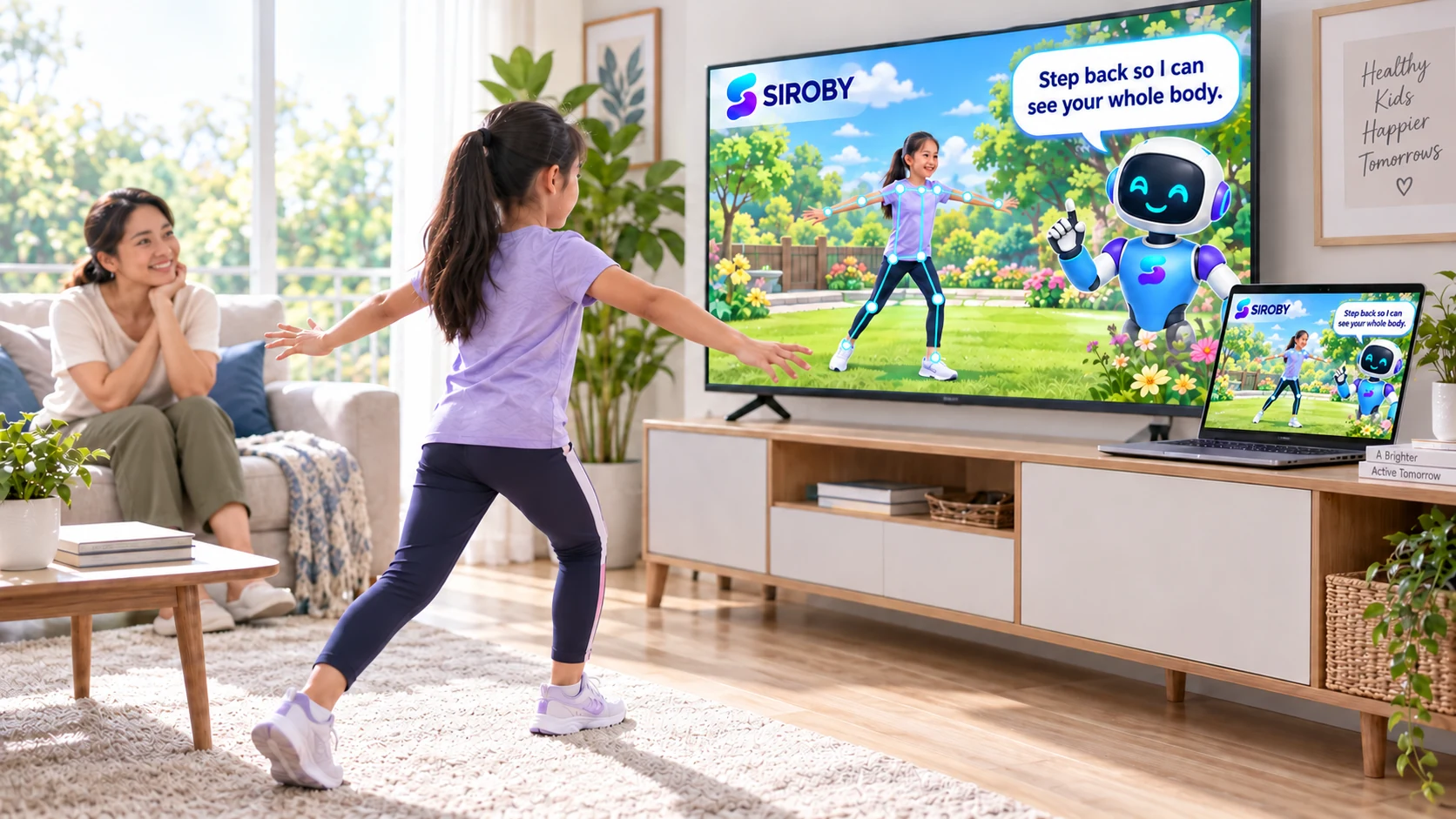
A phone can still run Siroby smoothly. But when your child steps back for full-body camera framing, the small screen makes demonstrations and feedback harder to follow. For a better training experience, Siroby does not recommend training directly on a phone screen; prefer a computer connected to a TV.
Set your child’s age, ability and goals.
Position the camera securely, frame the full body and check the light.
Follow the guidance. Review the results after each session.
SIROBY / TRAINING PLANS
Children train with Siroby Kids. Parents join with Siroby Fit when it launches. Pick Individual or Family, and save more with an annual plan.
Choose a plan
Each extra person adds ₱3,095/year, half the 1-person price. Up to 5 people.
Choose a billing period
INDIVIDUAL · 12-MONTH PLAN
₱516/ month
Billed ₱6,190 once for 12 months
Add a second person for +₱3,095 a year.
The first 2 sessions are free and shared by the family. Nothing to pay yet.
The monthly equivalent is rounded.
Prices include any applicable taxes. There are no other fees.
Everyone on the plan gets
One plan covers Siroby Kids and Siroby Fit: each place can be a child in Kids or someone aged 16 or over in Fit, under the same sign-in email.
Siroby is an online sports program using AI to personalize training. Interactive exercises form a plan based on age, ability and goals, supported by reports and nutrition guidance.
Prefer a computer connected to a TV or large display, with a compatible camera or webcam. Without a TV, use a computer and check that your child can clearly follow the workout from the full-body camera position.
AI summarizes movement and session data, reviews completion, then adjusts exercises and difficulty for the next session or weekly plan.
The parent area brings together session reports, weekly progress, upcoming sessions and nutrition ideas to help you support a regular routine.
SIROBY / MOVE. LEARN. GROW.
AI-generated illustrations