
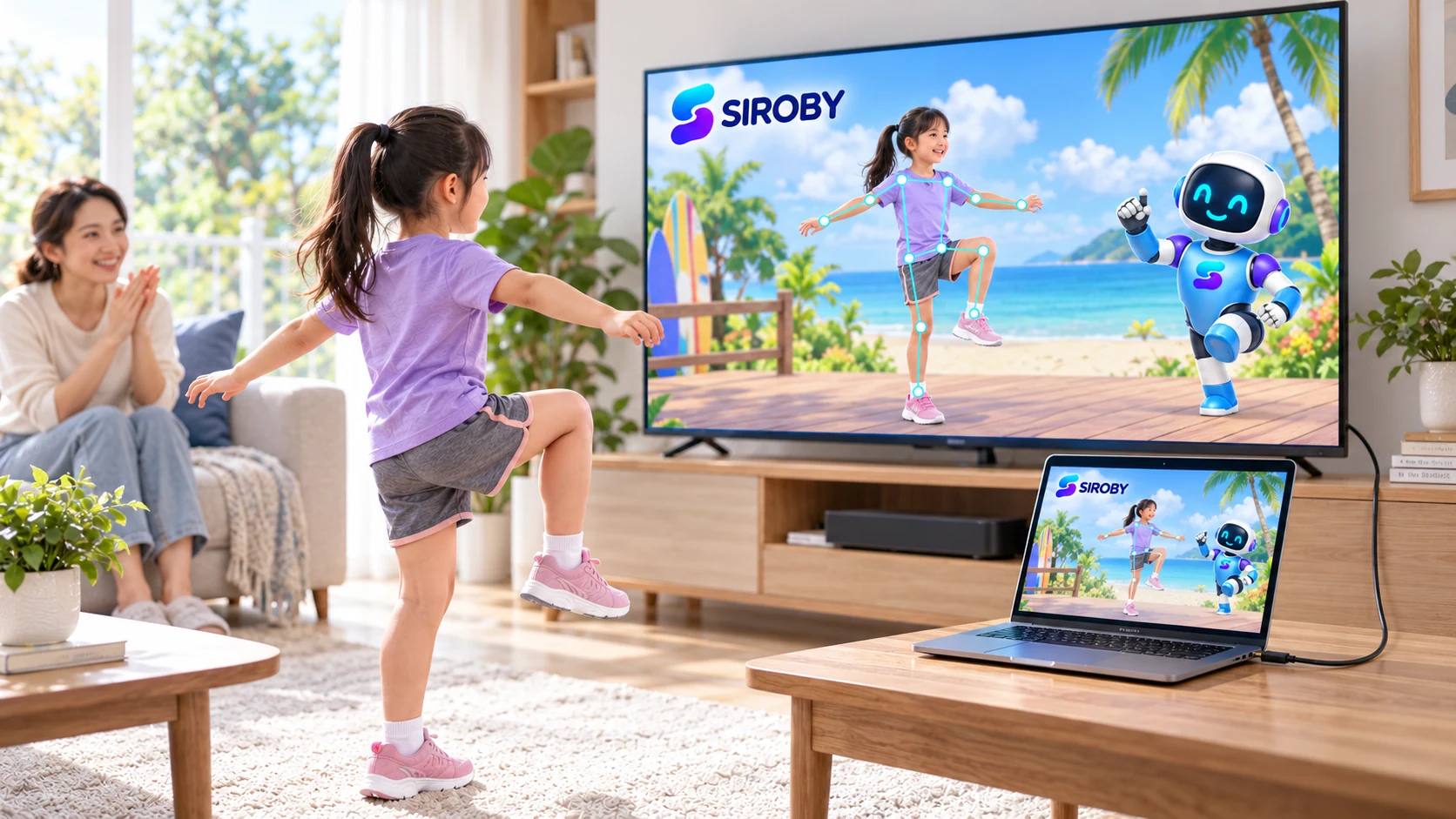
AT A GLANCE
- 01Laptop camera
- 02Display connection
- 03TV displays the image
Check ports and cables
Identify the laptop's display output and the TV's input. When using HDMI or an adapter, check that both the device and accessory support video output.
Select the input
Select the matching TV input, then check the laptop's mirror or extended display setting. Test ordinary content before starting a session.
Watch for delay
If picture or sound lags, try a suitable wired connection and reduce background tasks. The TV does not automatically replace the laptop camera; recheck framing after changing displays.
References
Reviewed on 3 October 2026. These sources do not endorse or certify Siroby.