Parents
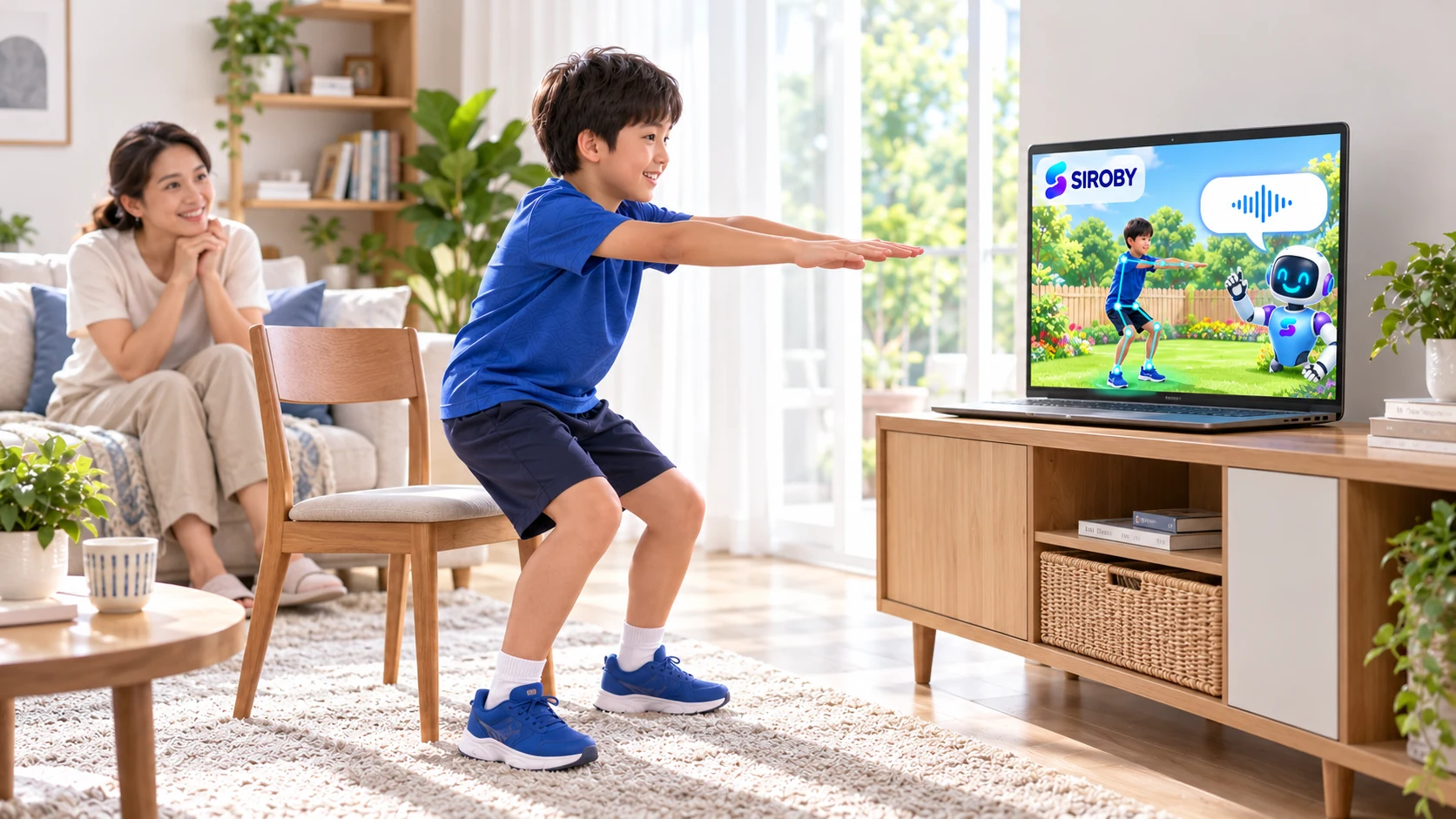
Bringing movement into screen time
An interactive experience can create a reason to stand up and move. How your family uses it and balances the day still matters.
Read the guide
RESOURCES / DEVICE-GUIDES
Choose a computer or TV setup, connect the camera and position the display so your child can clearly follow workout instructions.
An interactive experience can create a reason to stand up and move. How your family uses it and balances the day still matters.
Read the guide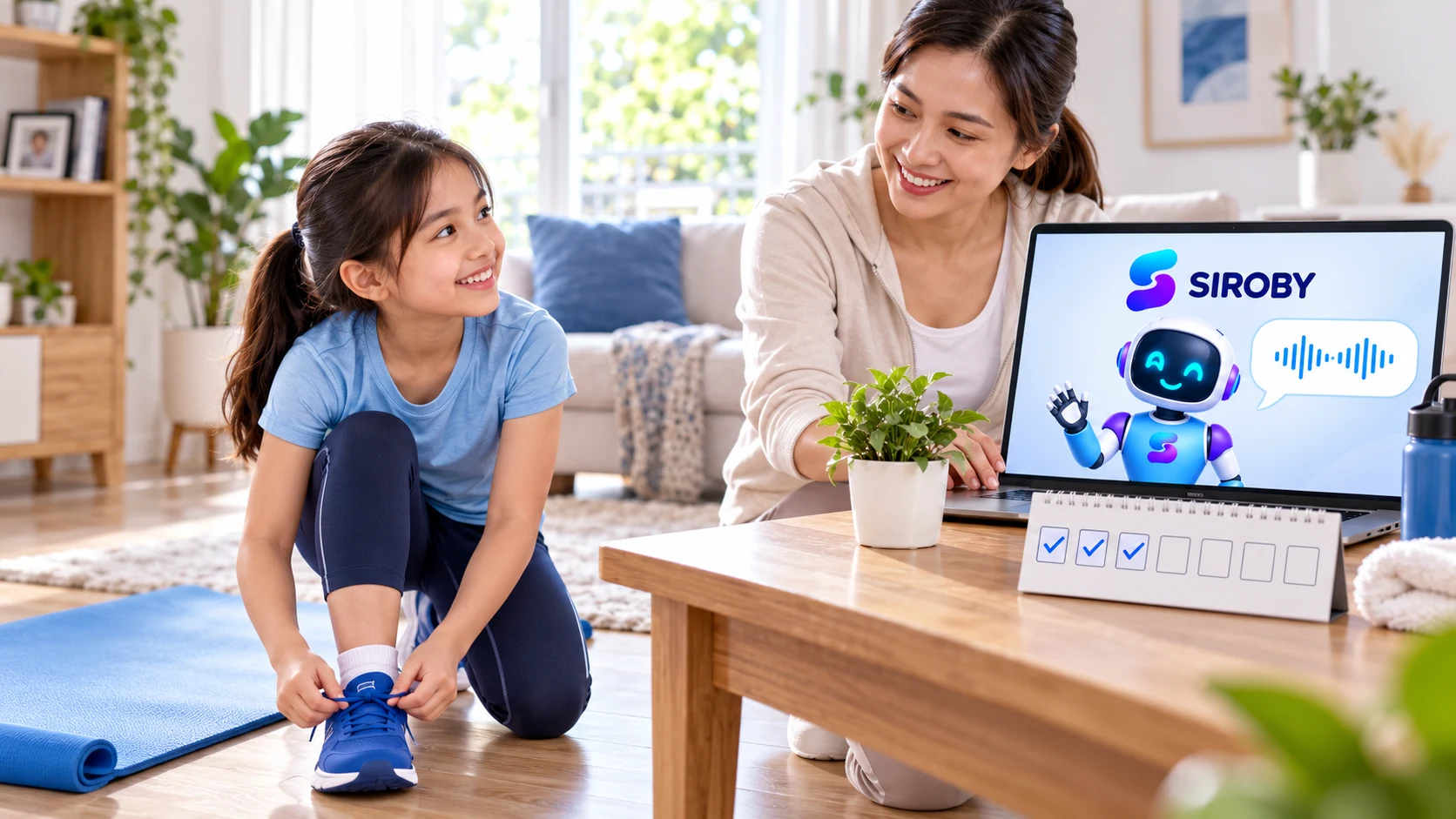
Begin with a memorable routine that is flexible enough to return to, even after a busy week.
Read the guide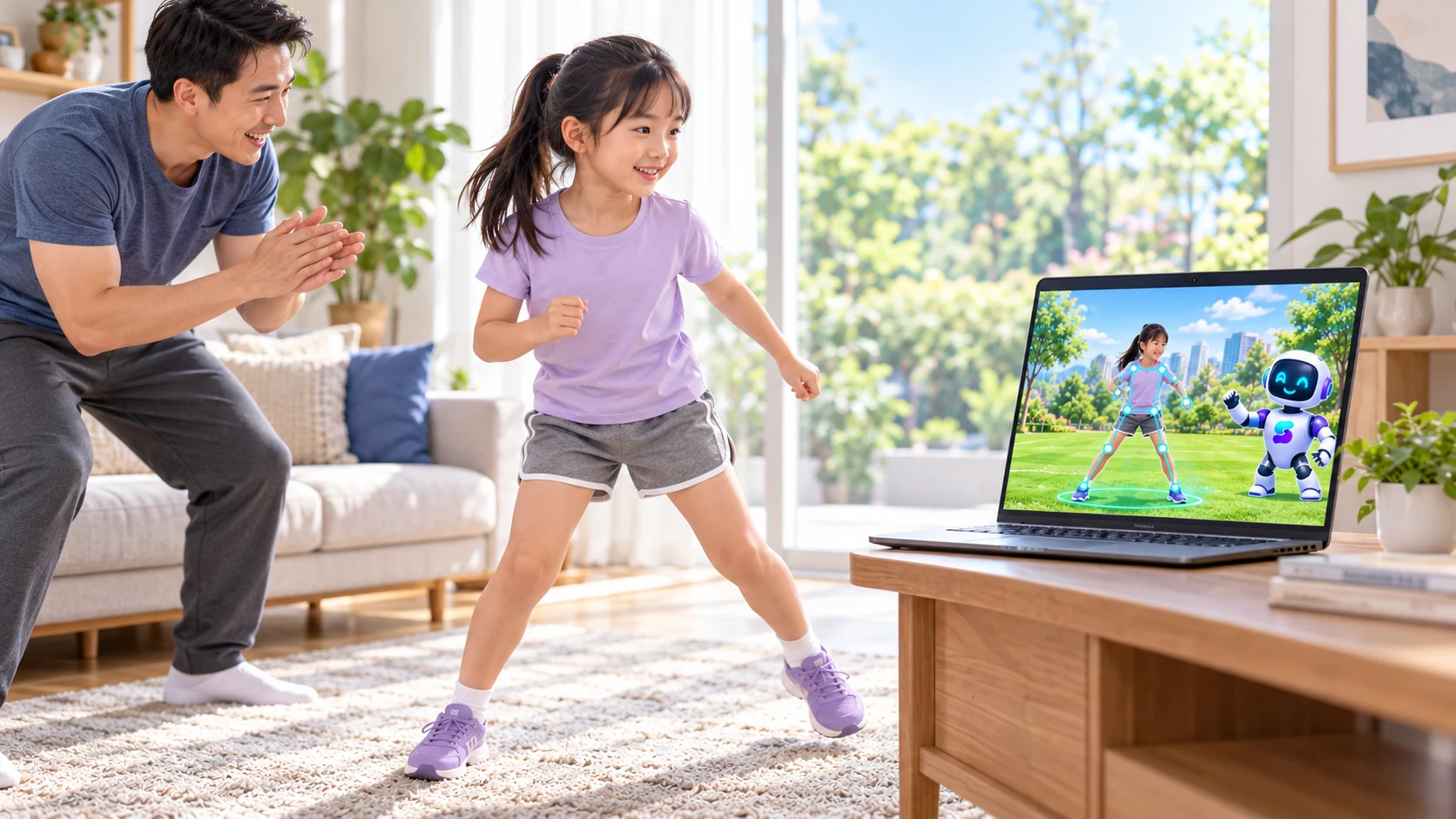
Everyone does not need to move in the same way. Preparing, guiding and taking turns can all be ways to participate.
Read the guide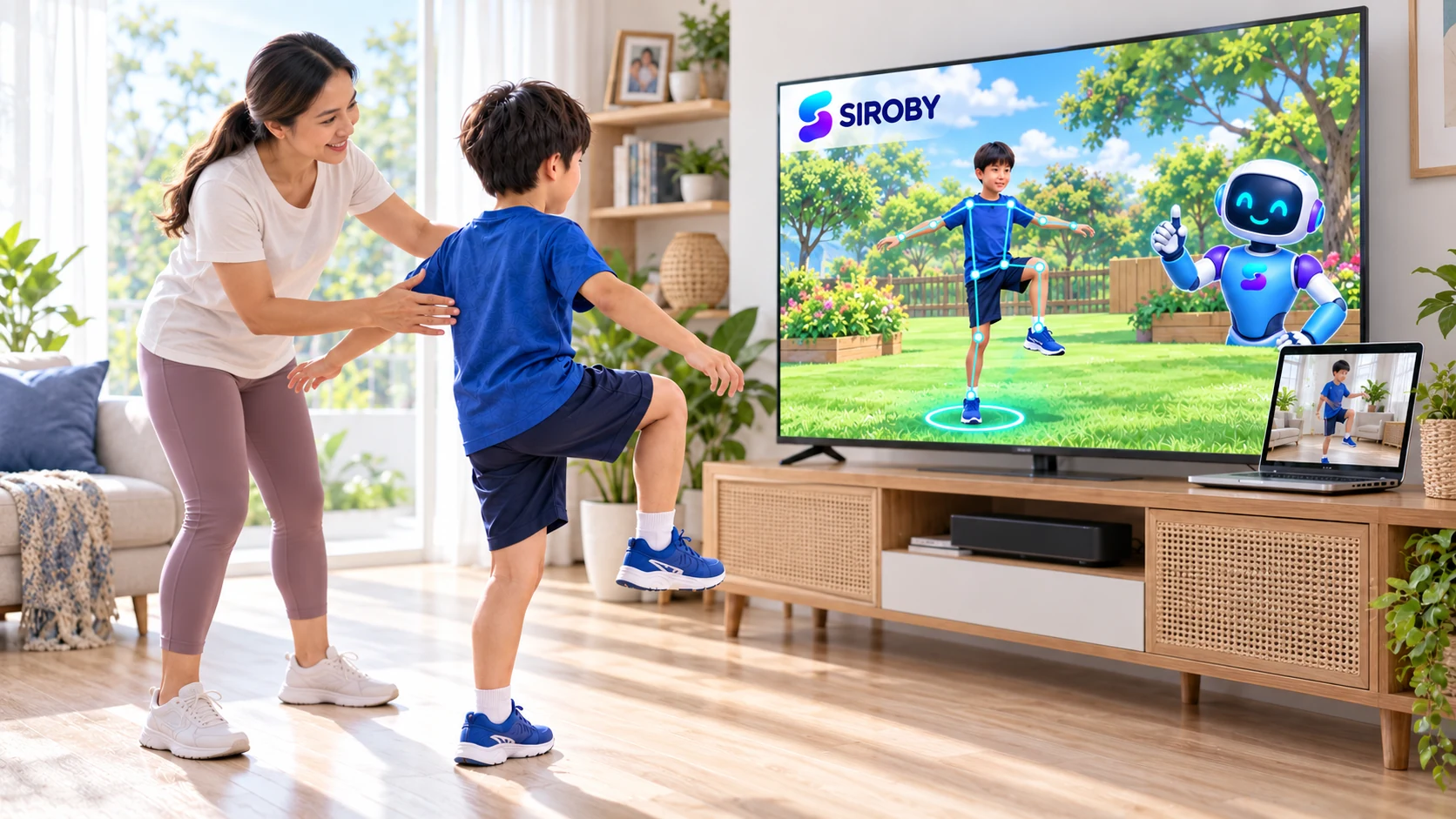
Prefer a computer connected to a TV or large display, with a compatible camera or webcam. Without a TV, use a computer and check that your child can clearly follow the workout from the full-body camera position. Centre the camera and check full-body framing throughout each movement.
Read the guide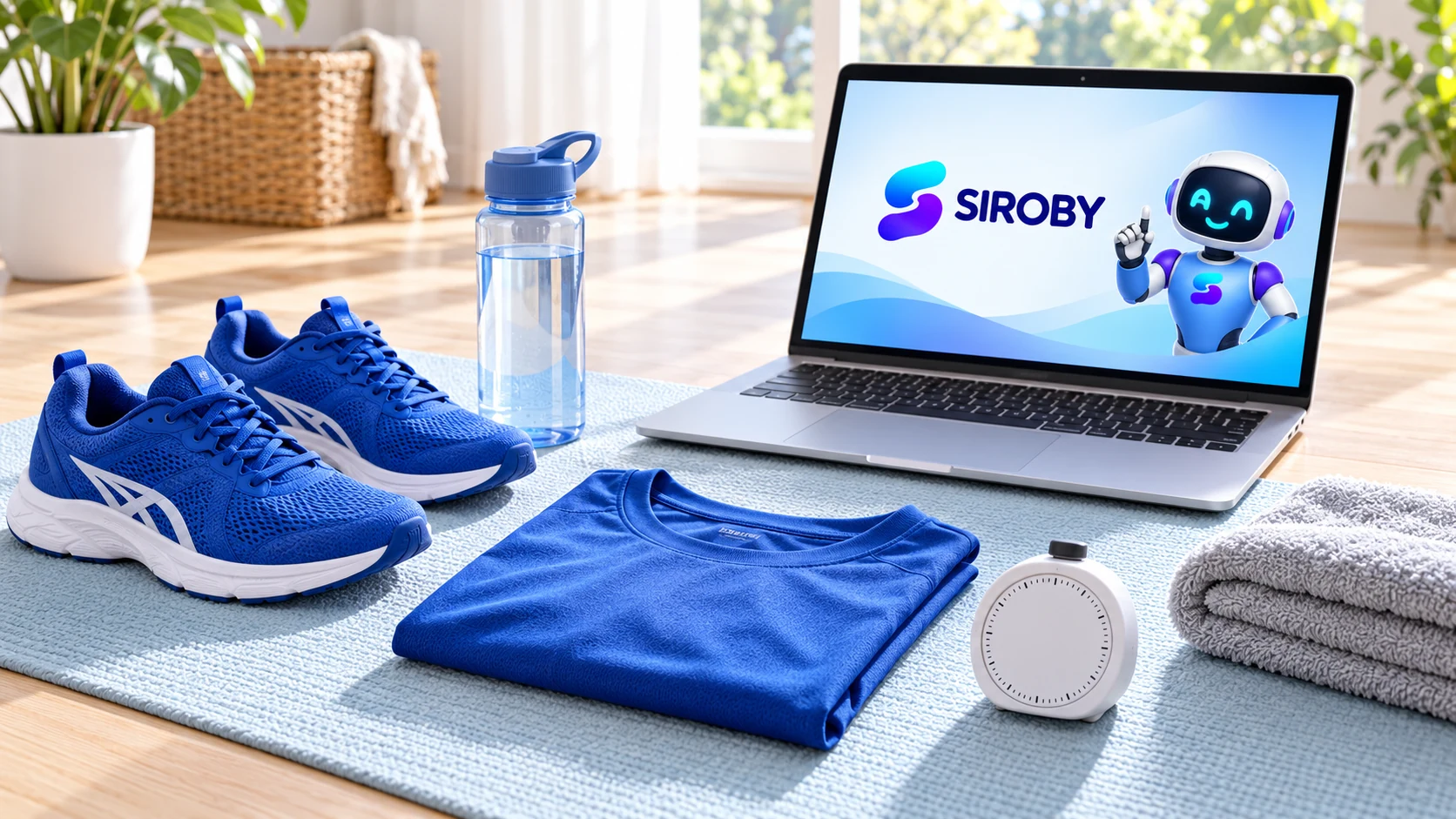
Aim for a clear and comfortable experience. The first session is for learning the instructions, not proving ability.
Read the guide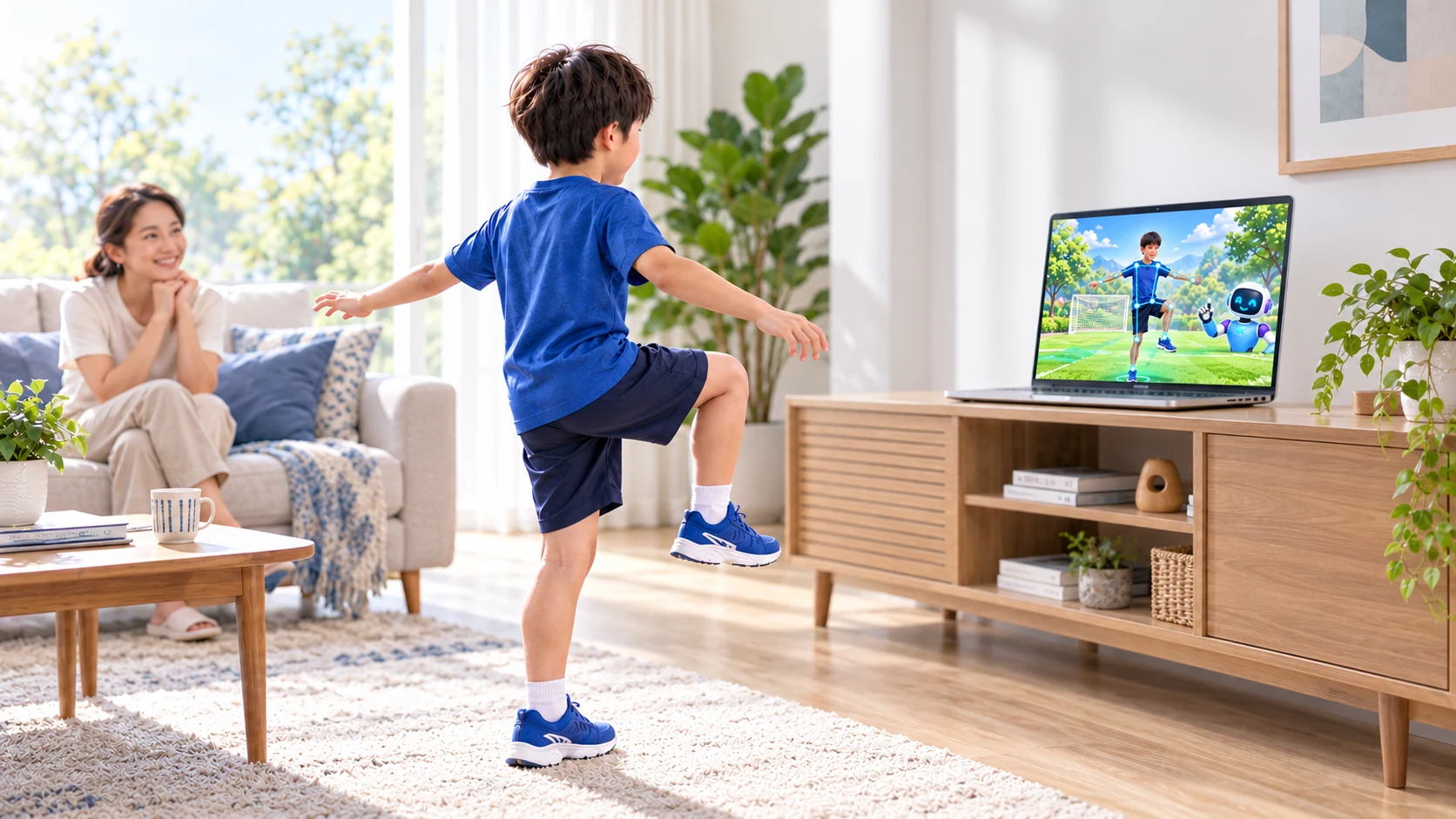
Framing, light and distance need to be checked together. No single distance works for every camera.
Read the guide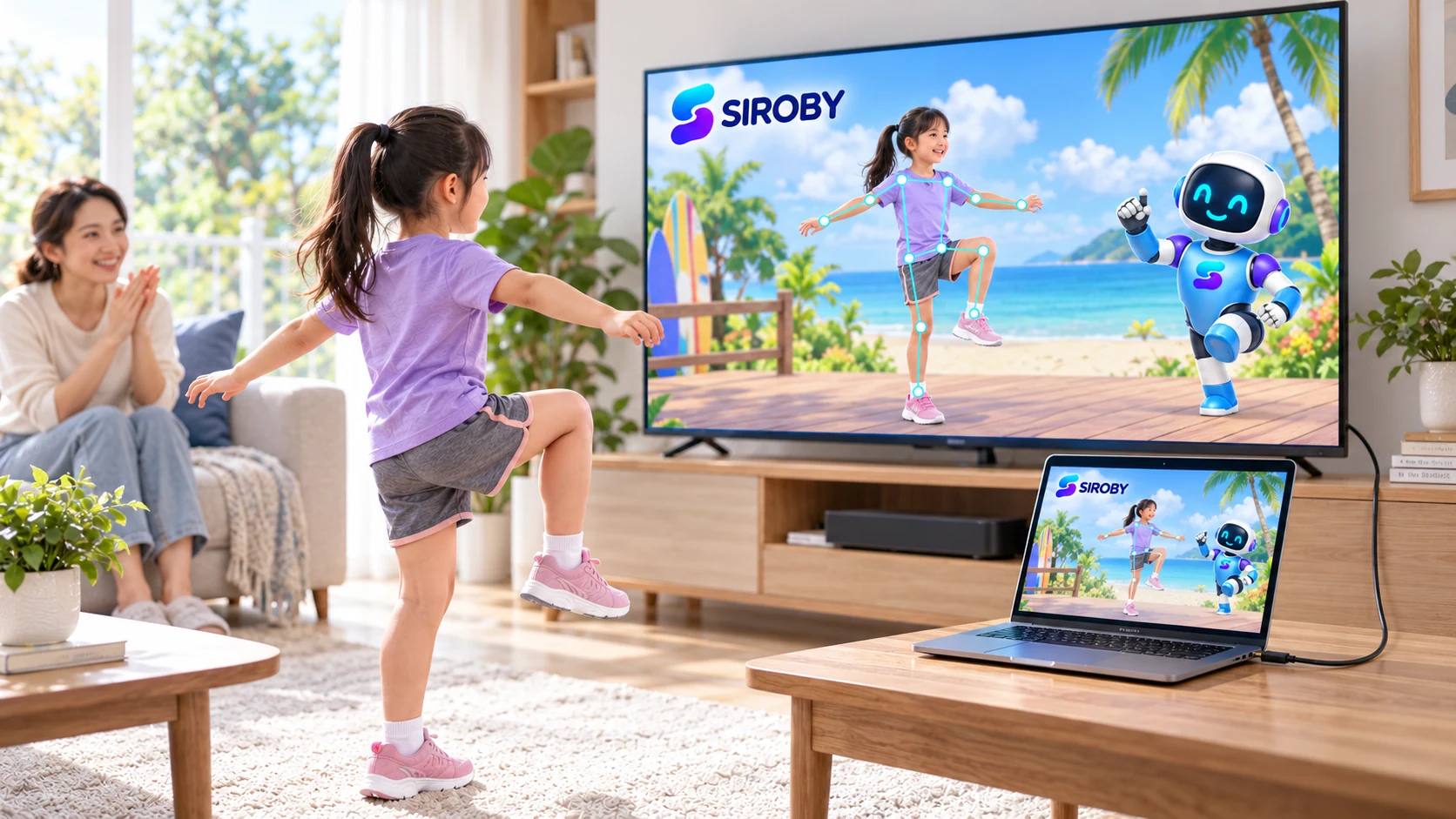
A TV may make instructions easier to see. The laptop still runs the app, and its camera must be positioned for the person moving.
Read the guide
A larger screen helps your child follow the workout from a distance. Learn how to use a computer connected to a TV and position the camera.
Read the guide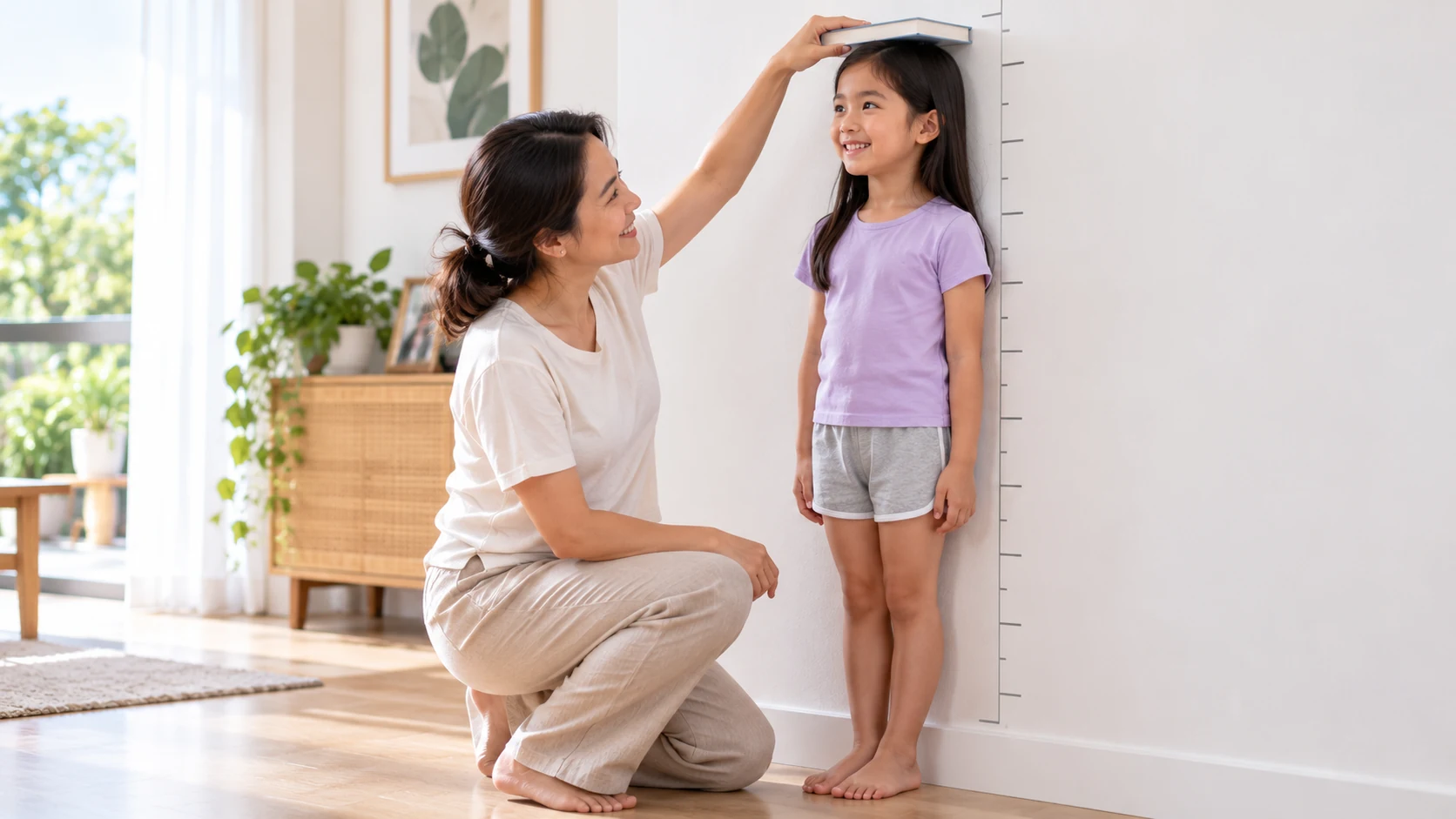
Input measurements directly affect reference results. A consistent method is more useful than repeated measurements throughout the day.
Read the guide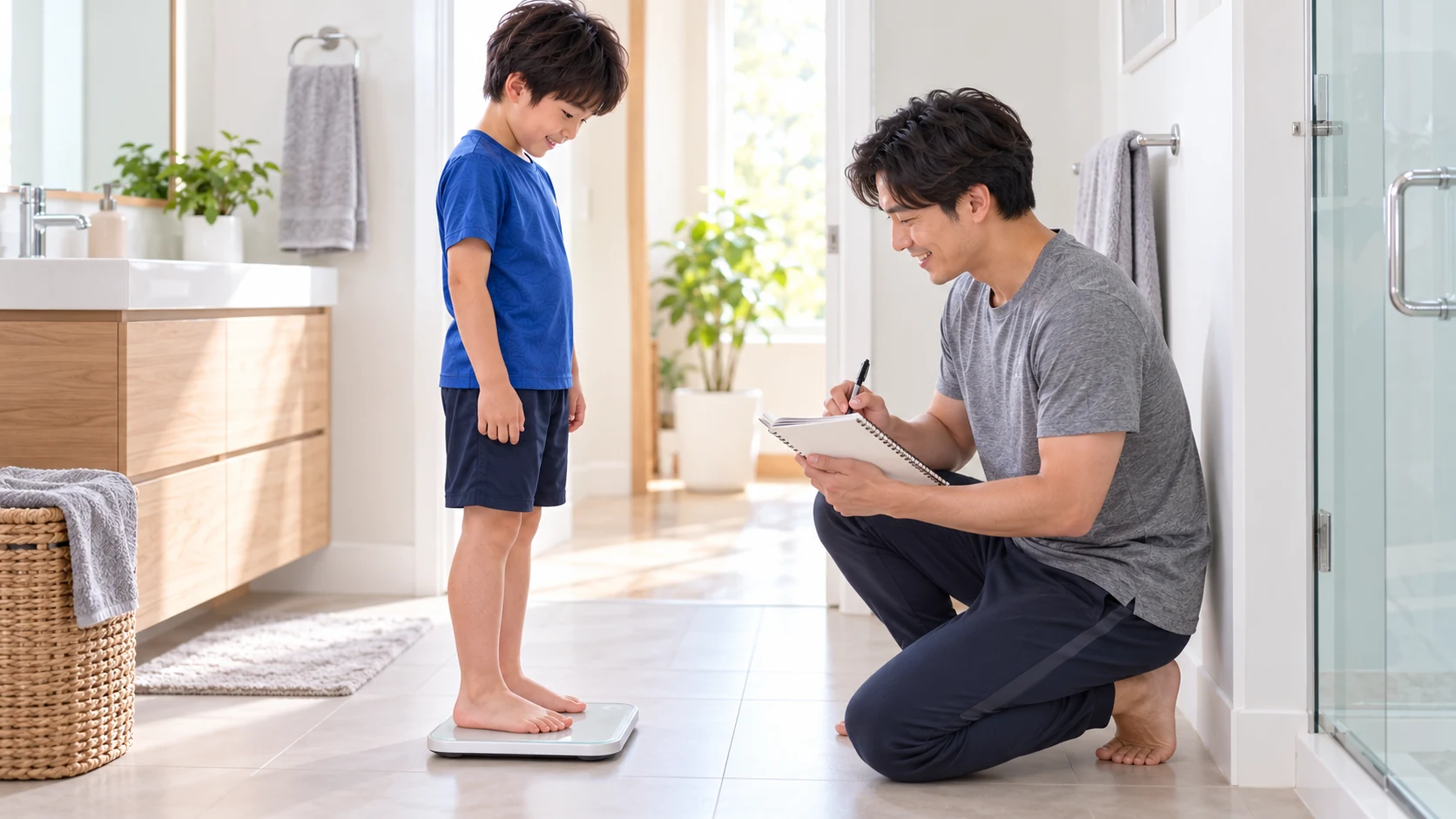
A stable scale and consistent method help reduce differences caused by changing measurement conditions.
Read the guide
The weight-divided-by-height-squared formula is the same. Interpretation differs because children's bodies change as they grow.
Read the guide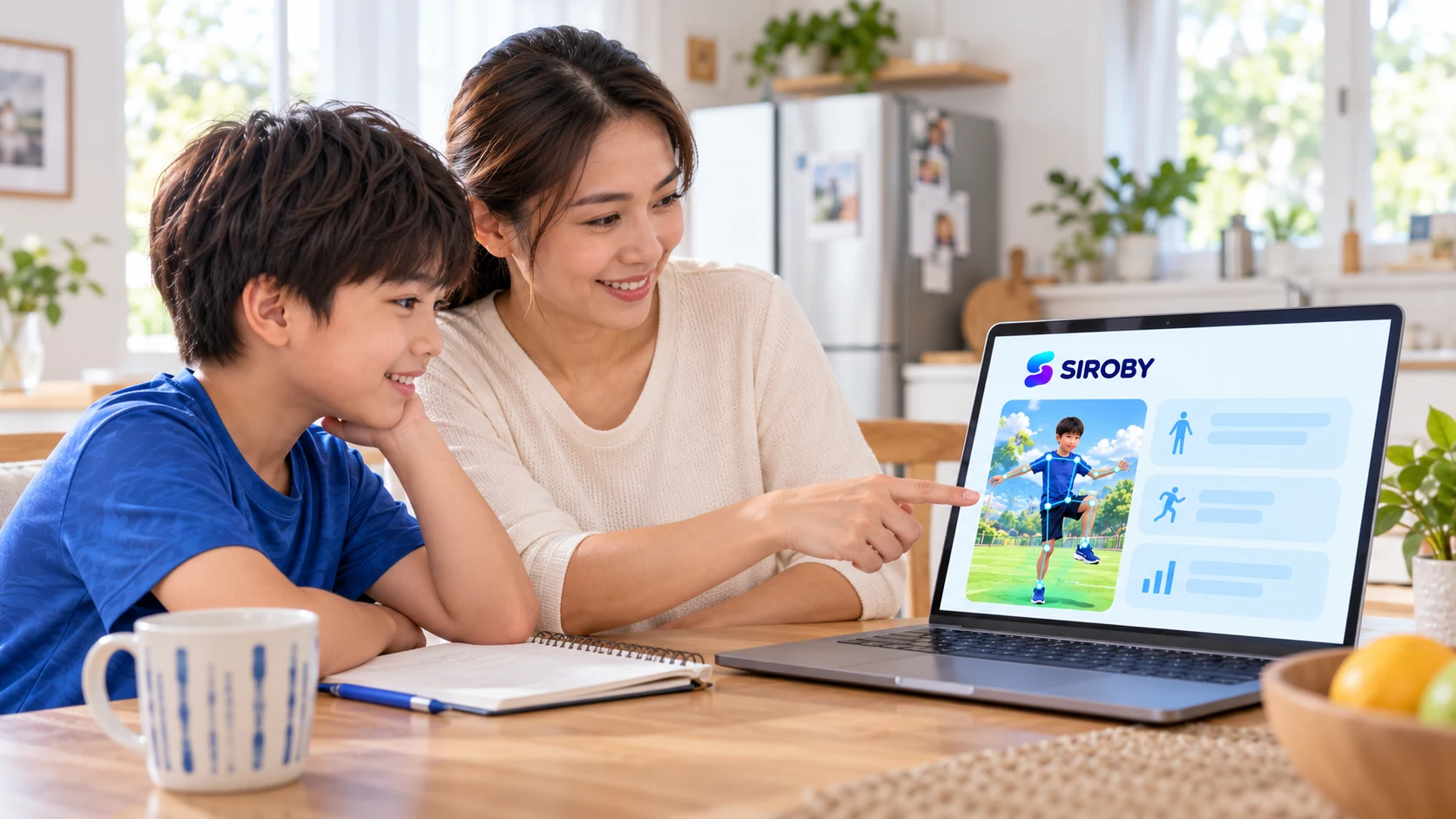
A result places a measurement within a reference. It is a starting point for understanding data, not a label for a child.
Read the guide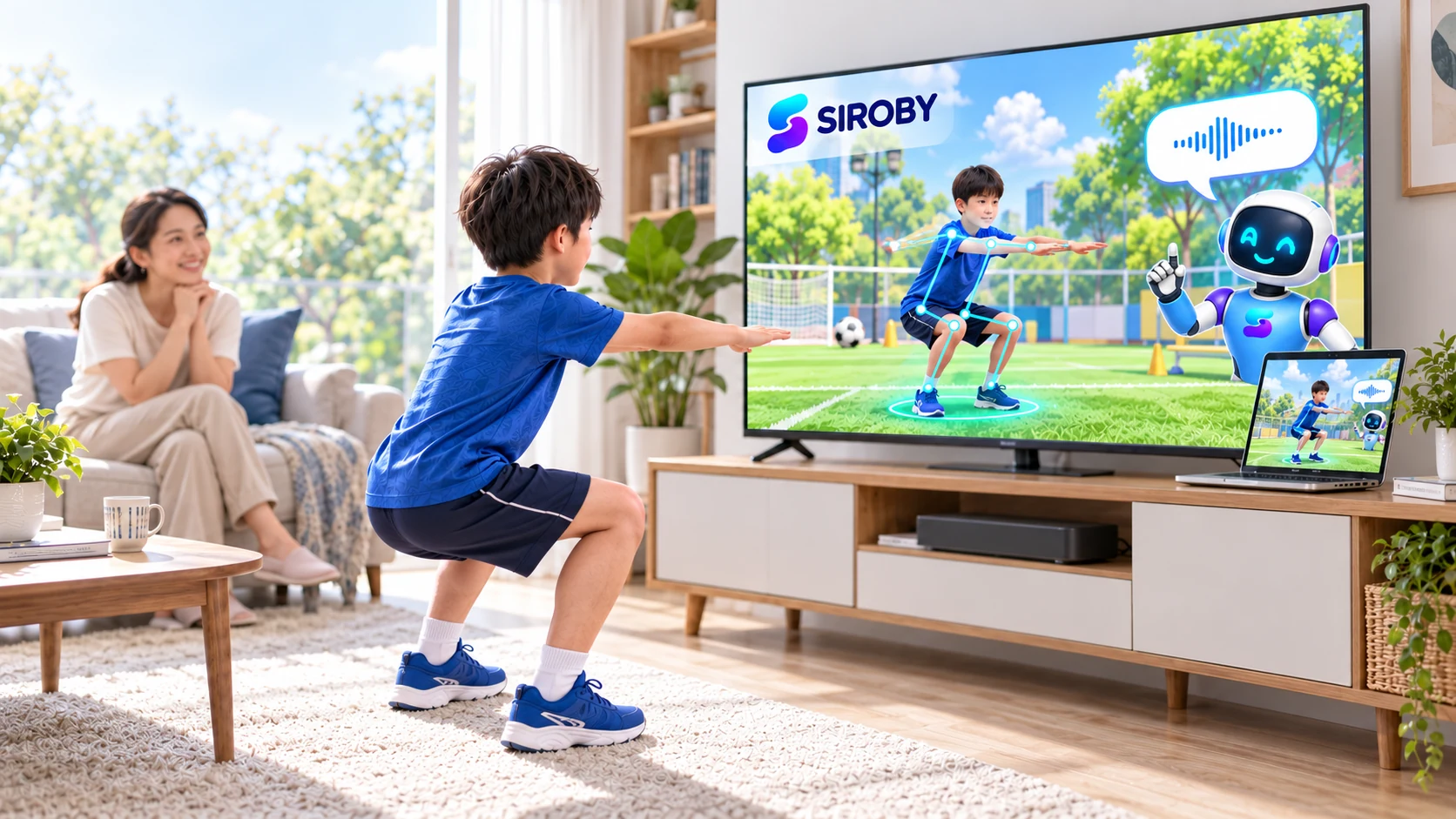
Feedback helps people interact with an experience. Its stability also depends on camera framing, lighting and the activity's requirements.
Read the guide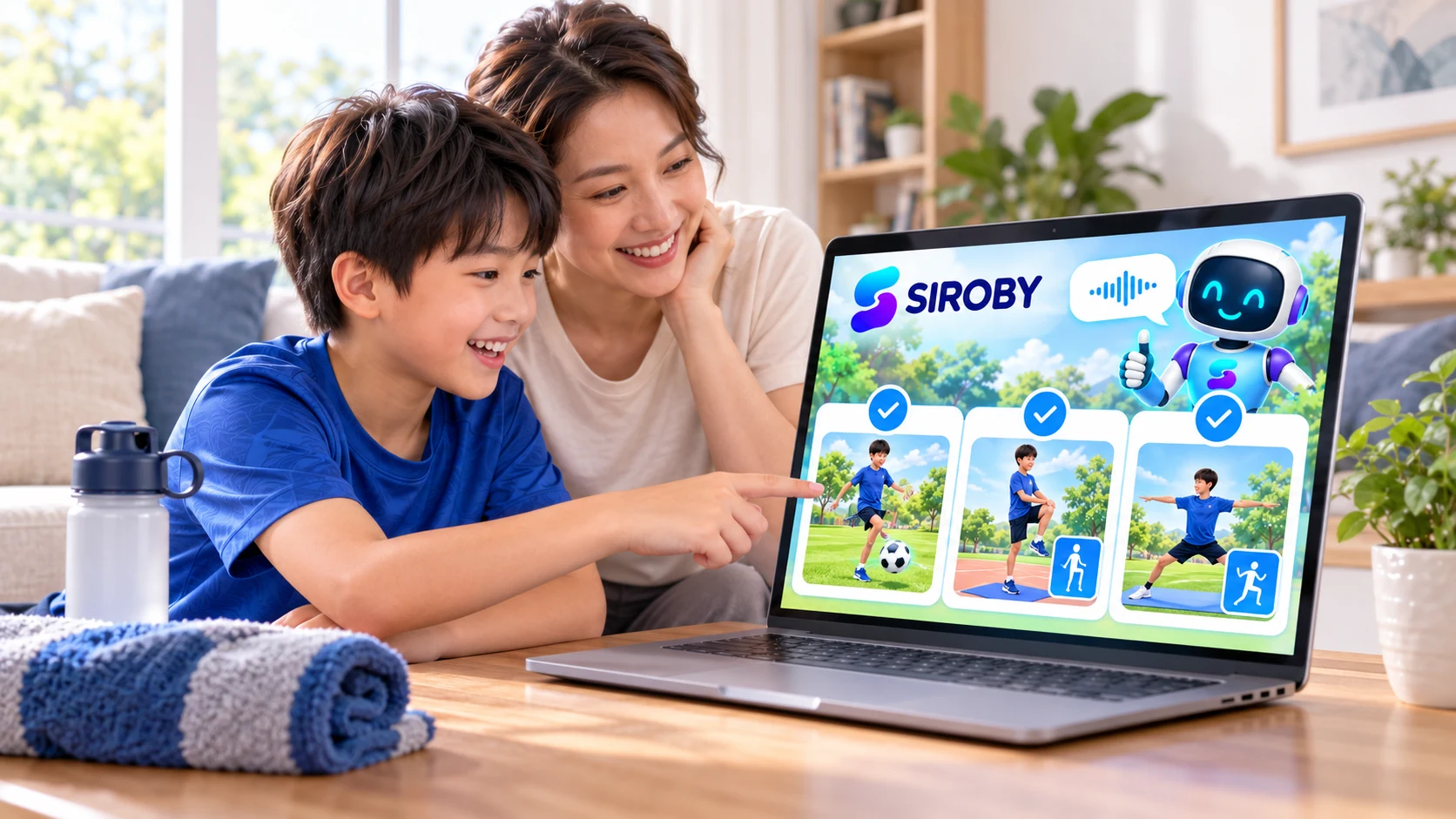
Confidence, consistency and understanding instructions are useful things to notice as a family gets comfortable with movement.
Read the guide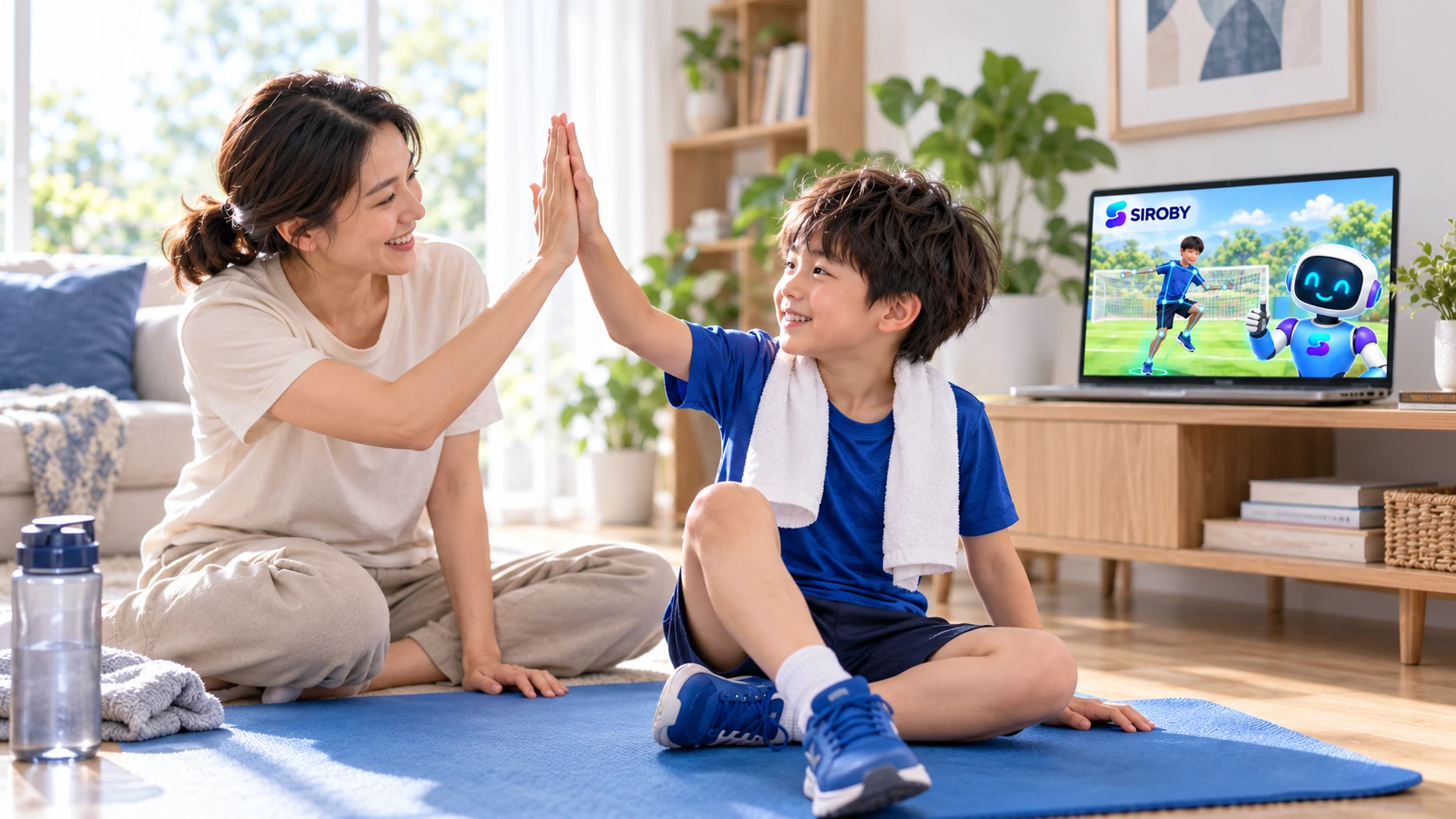
Adult language can help a child feel supported. Start with specific effort and permission to rest.
Read the guide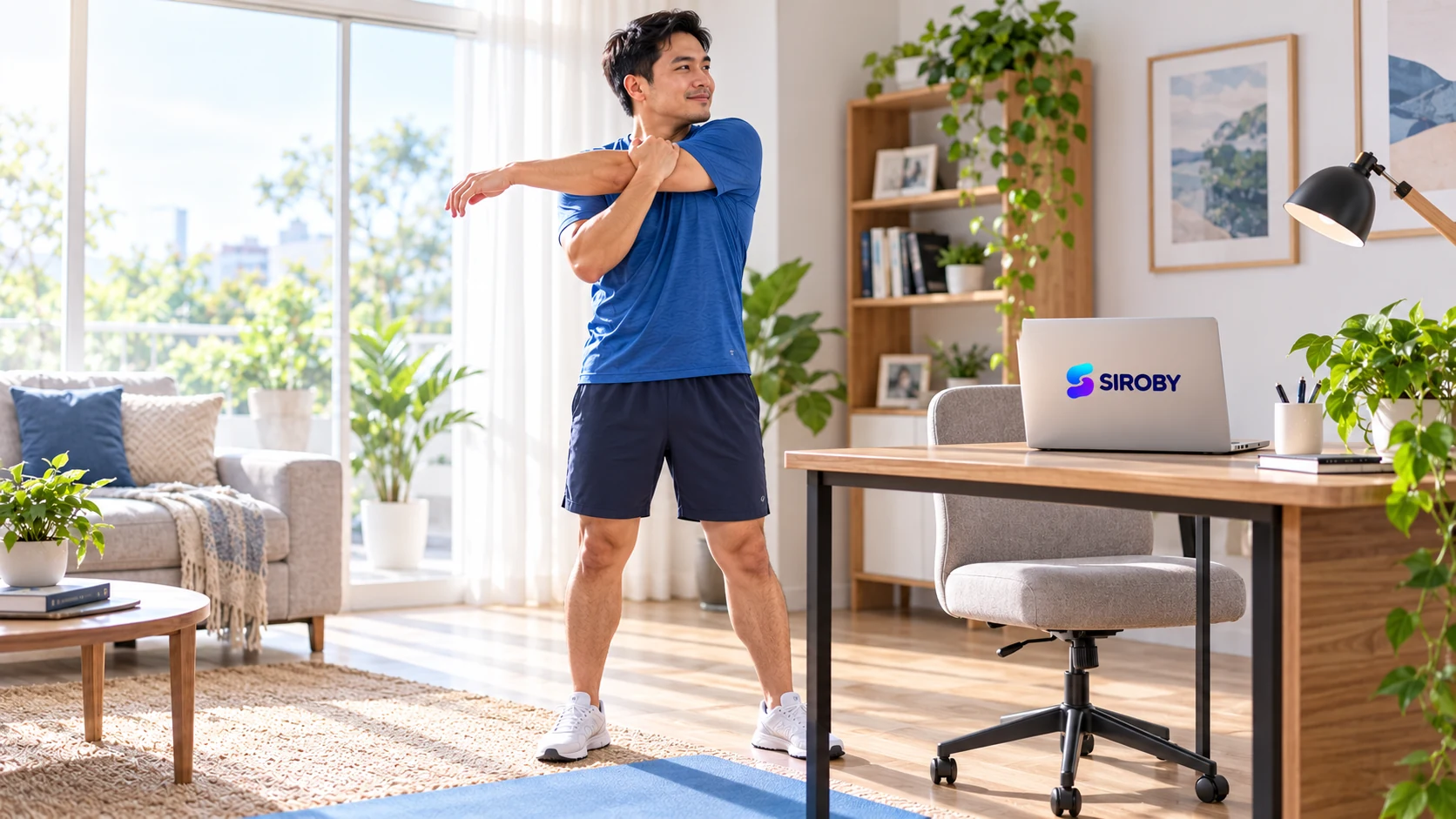
After sitting for a while, a pause offers a chance to change position and notice how your body feels. Keep movement simple and comfortable.
Read the guide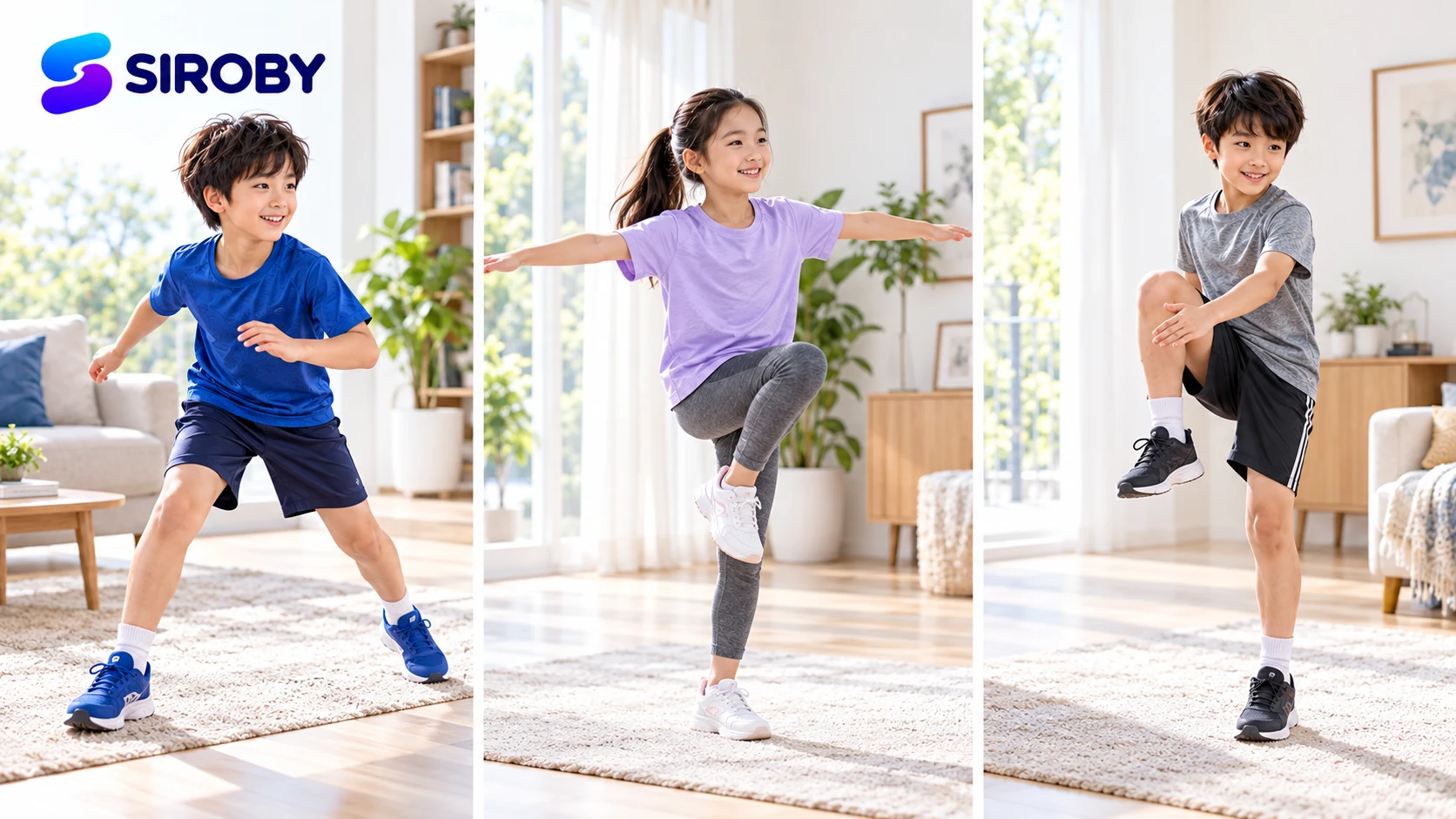
These concepts often appear together but describe different demands during movement.
Read the guide
Each format guides people differently. Suitability depends on aims, devices and how easily someone can follow along.
Read the guide
Understand where the camera is used, which site receives permission and how to stop access before a child begins.
Read the guide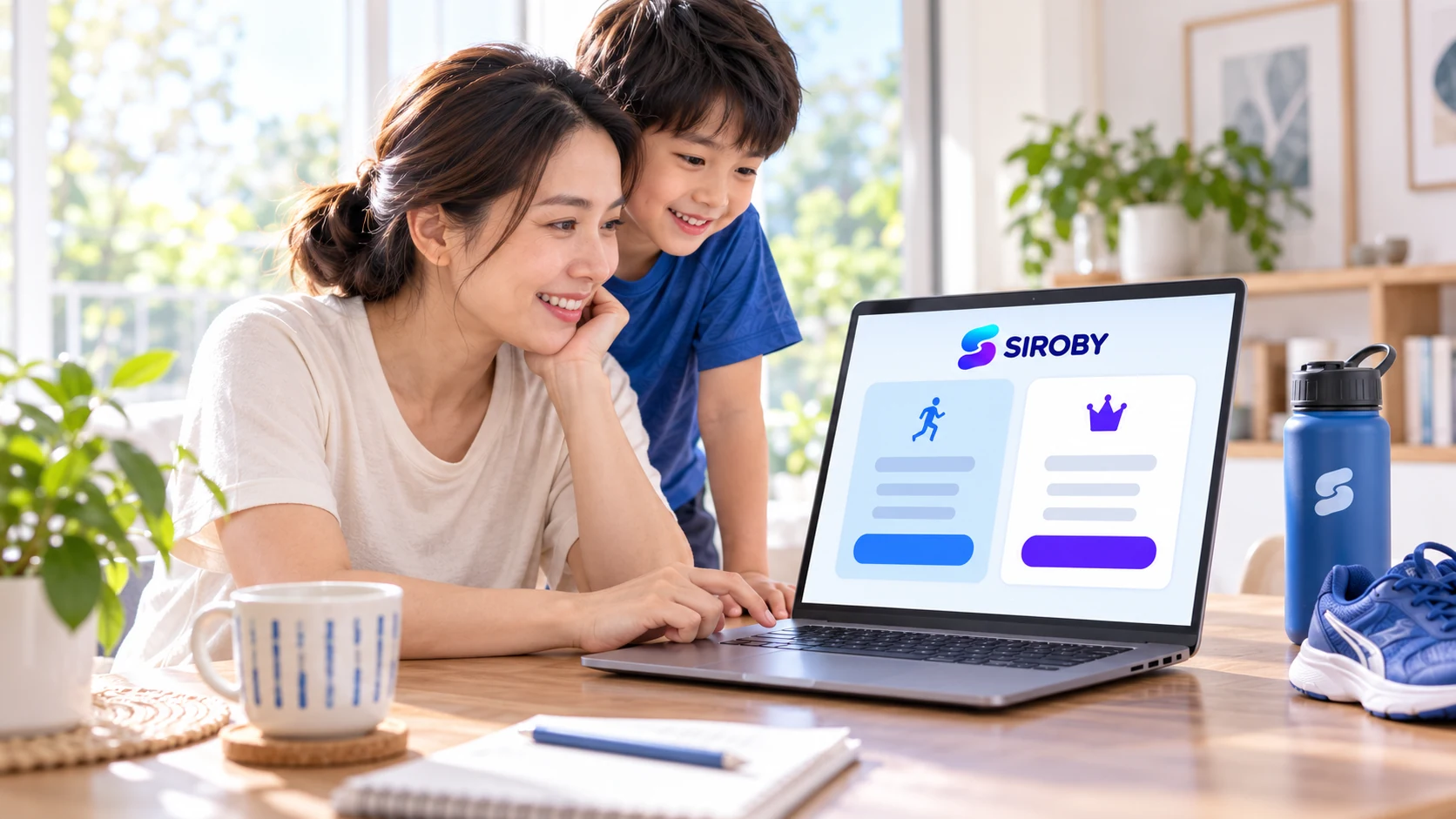
An informed choice starts with plan scope, usability and support conditions, not just the displayed price.
Read the guideOpen Siroby on the computer, connect a TV using a compatible display method and test picture and sound. Connect a webcam to the computer when more flexible camera positioning is needed.
The camera captures the whole body during movement, and your child can see instructions clearly from that position. Align the display, camera and person along the same centre line.
A phone can still run Siroby smoothly. But when your child steps back for full-body camera framing, the small screen makes demonstrations and feedback harder to follow. For a better training experience, Siroby does not recommend training directly on a phone screen; prefer a computer connected to a TV.
Reviewed on 3 October 2026. These sources do not endorse or certify Siroby.