Movement is how they take part
The existing app introduces camera-based movement games. Children follow on-screen tasks; available activities and guidance should be checked in the app version being used.

SIROBY / KIDS · AGES 5–18
A way for children to explore movement through on-screen interaction. With a parent nearby, every little effort deserves encouragement.

The existing app introduces camera-based movement games. Children follow on-screen tasks; available activities and guidance should be checked in the app version being used.
Choose a stable, non-slippery surface, remove obstacles and secure the device with a clear view. Notice how your child feels and help them pause or stop rather than finish at any cost.
Open the app to review the trial and check your family’s setup. The price page compares the choices; in Vietnam, a parent buys inside the Siroby app, signed in by email, with a bank-transfer QR shown right there. Payment from other countries is arranged with Siroby directly.
Prefer a computer connected to a TV or large display, with a compatible camera or webcam. Without a TV, use a computer and check that your child can clearly follow the workout from the full-body camera position.
On-screen feedback supports task interaction; it does not diagnose health or guarantee developmental outcomes. Choose your child's age guide, review plan details and use the help centre to resolve questions before deciding.
SIROBY / REAL MOVEMENT
Choose an exercise to see the learner, the training world and the AI coach together.
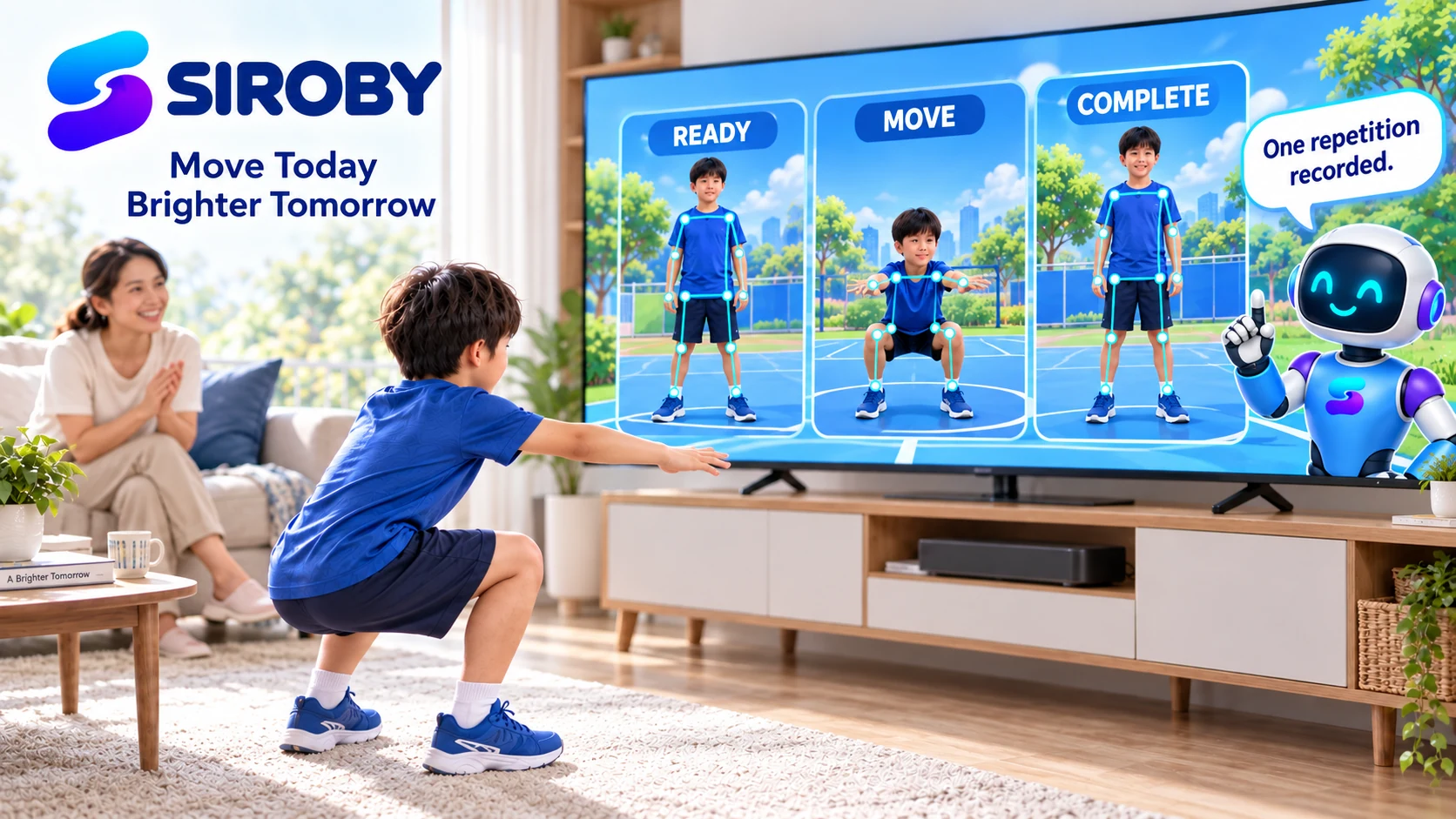
Illustrations. Movement recognition happens in the app; this website does not access your camera.
Explore Siroby technologyUnderstand four parts of the experience: preparing the camera view, exploring a task, interpreting feedback in context and following your child’s journey.
KIDSSiroby Kids is presented as an opportunity to participate, explore and build a routine together. Every family's experience can differ.
KIDSFor ages 5–7, a parent should stay close, explain one task at a time and focus on understanding rather than scores.
KIDSChildren aged 8–12 can help choose activities and describe how they feel. A parent still prepares the environment and observes the session.
KIDSWith teenagers, agree on use, privacy and experience goals together instead of simply assigning a schedule.
KIDSThe programme groups below show how Siroby organises activities. The app has the exact activity list.
KIDSThis proposed introduction follows a simple sequence: understand the activity area, try an interaction and learn how to pause.
KIDSCoordination here describes connecting observation, response and movement within a particular task.
KIDSThis balance content direction focuses on a suitable space, gradual familiarisation and parental observation.
KIDSThis active-habits direction helps a family try a modest schedule, notice how it feels and adjust it to everyday life.
KIDSThis library introduces activity groups so parents can understand the experience. It is not a guaranteed catalogue of app access.
KIDSPrepare a device, a clear space and an adult to join in. The button opens the existing Siroby app for the actual trial experience.
KIDSAn Individual plan for 1 person, a Family plan for 2 to 5 people. Each extra person adds 50% of the 1-person price, and paying yearly saves 41%. Your family’s first 2 sessions are free.
KIDSThe Family plan covers 2 to 5 people who live together, and each extra person adds 50% of the 1-person price. Everyone has their own profile, plan and reports.
KIDSA parent's guide to preparation, observation and conversation for a clearer, more comfortable experience.
KIDSLearn about devices, ages, trials and parental involvement before opening Siroby Kids.
KIDSChoose a plan and see how to pay. In Vietnam, parents sign in with email or Google in the Siroby app and pay with a bank-transfer QR there; payment from other countries is arranged with Siroby directly.
KIDSEnter age, sex and height to see how your child compares with children of the same age in the WHO reference. Free and instant, for ages 5–18.
KIDSEnter age, sex, height and weight to see your child's BMI and whether they are thin, normal, overweight or obese by WHO references. Free, for ages 5–18.
KIDSCompare height and BMI with WHO 2007 references by age in months and sex. Supported ages are five years one month to eighteen years eleven months.
A LITTLE PREPARATION. A BETTER START.

Prefer a computer connected to a TV or large display, with a compatible camera or webcam. Without a TV, use a computer and check that your child can clearly follow the workout from the full-body camera position.
Open tool
Check the floor, lighting and clear space.
Open tool
Plan little moments of movement in your week.
Open toolPrefer a computer connected to a TV or large display, with a compatible camera or webcam. Without a TV, use a computer and check that your child can clearly follow the workout from the full-body camera position.
No. The movement illustration on this website never accesses your camera. In the Siroby app, you can review the instructions and choose camera permission there.
A parent should help prepare the space, stay attentive and encourage breaks. Choose activities that suit your child’s ability and comfort.
Your family’s first 2 sessions are free. To sign up, pick Individual or Family and a billing period on the price page, then choose Buy now. In Vietnam, a parent signs in with email or Google in the Siroby app and pays with the bank-transfer QR shown there; once Siroby confirms the money has arrived, the plan opens and a confirmation email follows. Online payment from the Philippines and other countries is not open yet.
READY. SET. SIROBY.
Make a little room. Make a little time for each other.